Turn video into a GIFthat loops forever.
Pick the few seconds worth sharing, choose how big and how smooth, and get a GIF that plays on repeat anywhere you paste it.
One-time purchase · macOS 26 or later · Works offline
How it works
Three steps.Nothing to learn.
- 1
Open your video
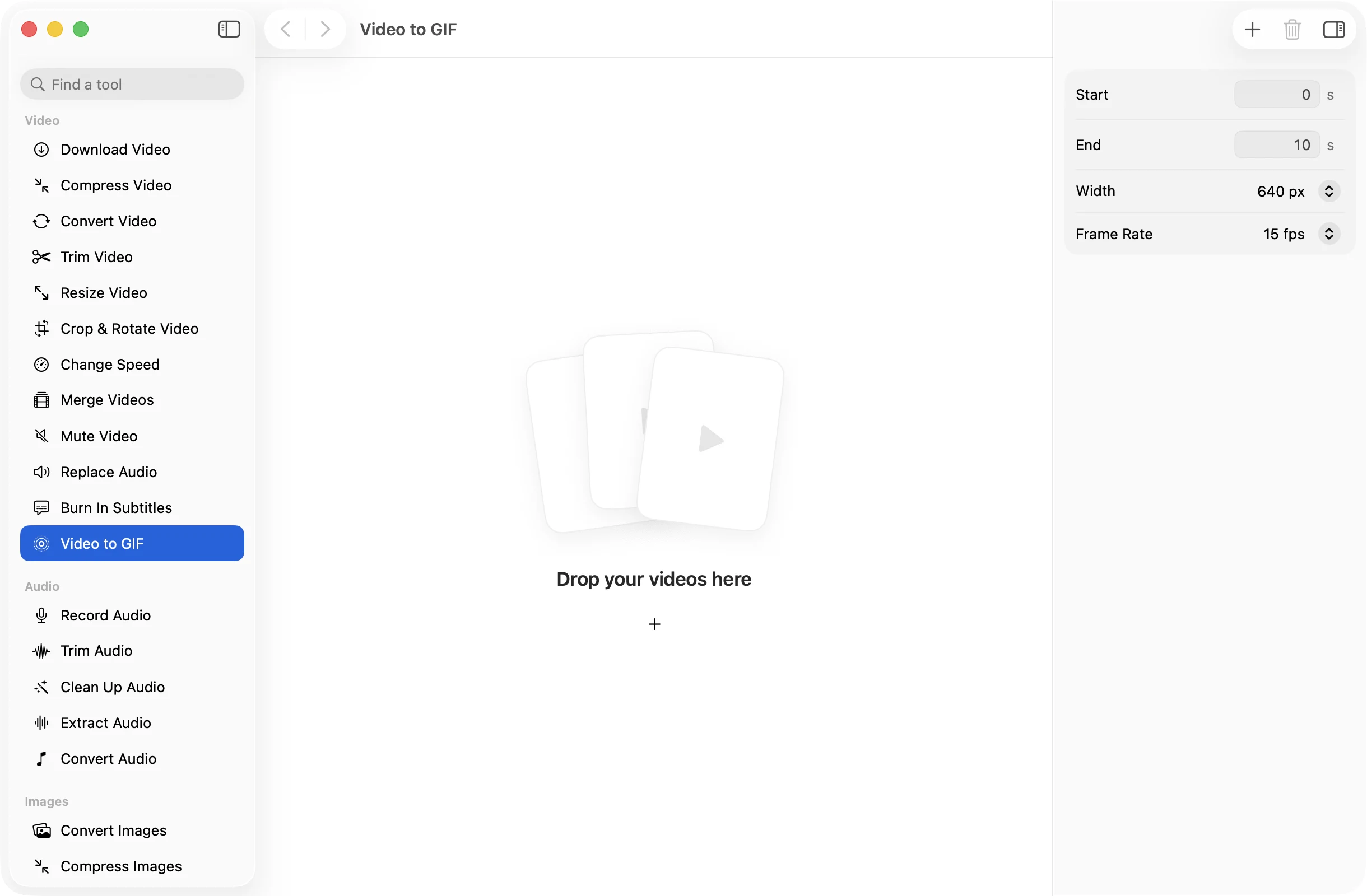
Drop a clip and it opens with the part you are keeping playing on a loop, just as the GIF will.
- 2
Choose the moment
Drag the edges to the part you want. Then pick a width of 320, 480, 640 or 960 pixels and 10, 15 or 24 frames per second.
- 3
Press Make GIF
The GIF is saved in a dated OneMacApp folder in Downloads, ready to drop into a chat, a doc or a bug report.
The details
Everything you’d want.Nothing you wouldn’t.
Loops forever
Every GIF is set to repeat endlessly, the way people expect a GIF to behave.
Better colours
A colour palette is built from your clip before the GIF is made, so skin tones and gradients look less blotchy.
Size under control
Width and frame rate are the two things that decide how heavy a GIF is, and both are a single choice.
See the loop first
The chosen range plays on repeat while you adjust it, so you can find a start and end that join up nicely.
Video to GIF
- Opens
- MOV, MP4, M4V, MKV, WebM, AVI, MTS
- Saves as
- Looping GIF
- Width
- 320, 480, 640 or 960 px
- Frame rate
- 10, 15 or 24 fps
- Range
- Any start and end
- Needs
- FFmpeg, installed for you in one click
FAQ
Questions,answered.
Drop the video into Video to GIF, drag the edges to the part you want, pick a width and frame rate, and press Make GIF.
Keep it short, pick a smaller width such as 320 or 480 px, and use 10 or 15 fps. GIF is an old format and grows quickly with every extra second.
No. GIFs cannot carry audio. If you need sound, trim the clip with Trim Video and share it as an MP4 instead.
Yes. Drop several and set the start and end in seconds. Each video is turned into its own GIF with the same settings.
More video tools
Same app.Plenty more to do.

Video to GIF is one of 39 tools in OneMacApp.
Video, audio, images, PDFs and on-device AI in one native Mac app. Pay once and every tool is yours, including the ones we add next.
Get OneMacApp · $29₹1,499One-time purchase · macOS 26 or later