Merge videosinto one, in the order you want.
Drop the clips, put them in order, and get a single video that plays them back to back. Phone clips, screen recordings and camera files can all go in together.
One-time purchase · macOS 26 or later · Works offline
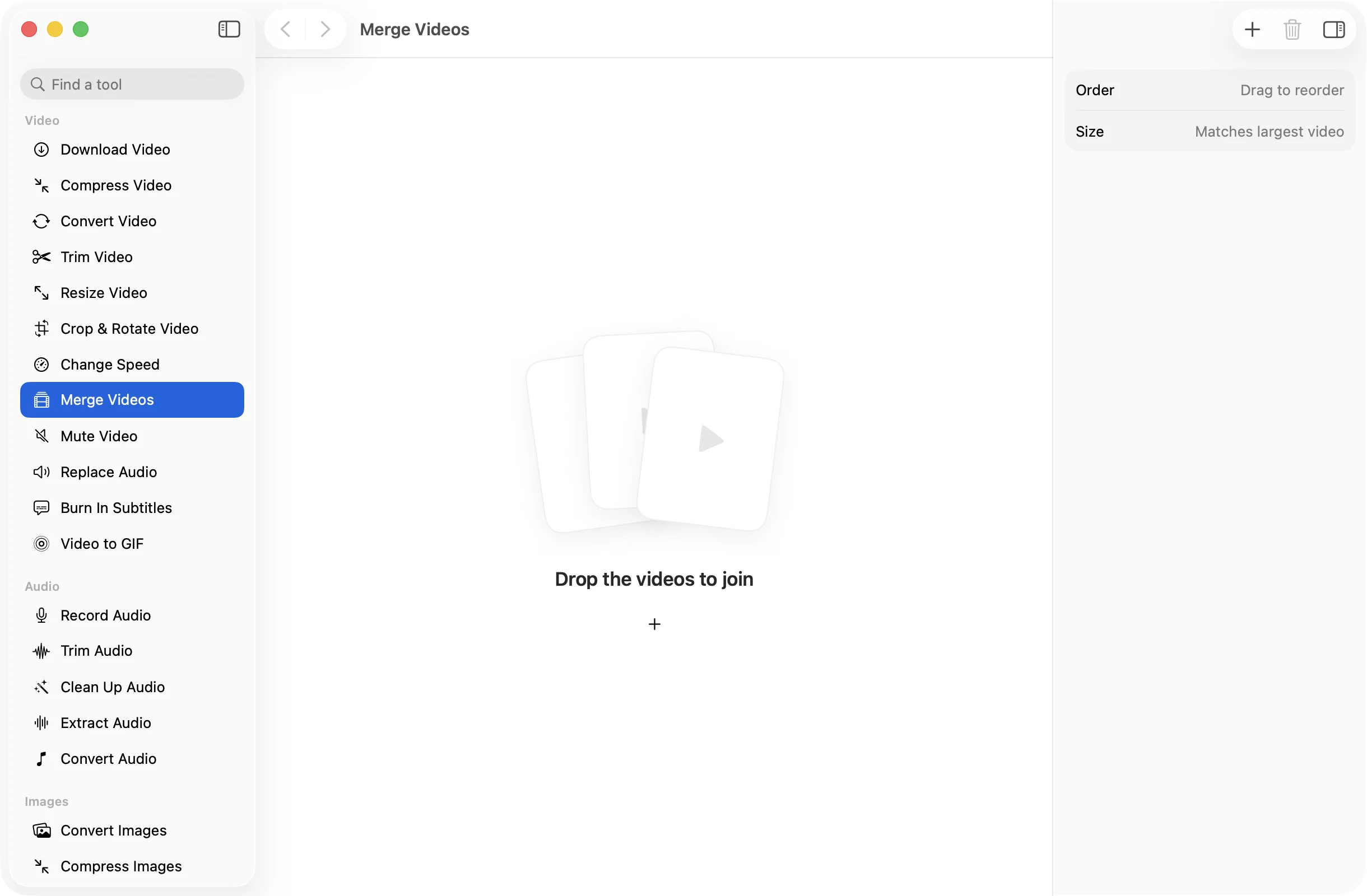
How it works
Three steps.Nothing to learn.
- 1
Drop the videos to join
Add two or more clips. MOV, MP4, M4V, MKV, WebM, AVI and MTS can be mixed freely.
- 2
Put them in order
Drag to reorder them. On the timeline they play left to right, and the + at the end adds another video.
- 3
Press Merge Videos
One file called Merged.mp4 is saved in a dated OneMacApp folder in Downloads. The separate clips stay as they were.
The details
Everything you’d want.Nothing you wouldn’t.
Mixed sizes welcome
The video is made at the size of the largest clip. Smaller or differently shaped clips are fitted inside with bars, never stretched.
Silent clips are fine
A clip with no sound gets silence for its length, so the audio stays in step with the picture all the way through.
One steady file
Everything is brought to the same frame rate and format, so the merged video plays smoothly from one clip into the next.
Made on your Mac
Joining runs locally with FFmpeg. Long event footage is fine, and none of it is uploaded anywhere.
Merge Videos
- Opens
- MOV, MP4, M4V, MKV, WebM, AVI, MTS
- Saves as
- One MP4 (H.264, AAC 192 kbps)
- Videos
- Two or more
- Frame size
- Matches the largest video
- Frame rate
- 30 fps
- Needs
- FFmpeg, installed for you in one click
FAQ
Questions,answered.
Drop the clips into Merge Videos, drag them into order and press Merge Videos. You get one MP4 that plays them back to back.
Yes. The merged video uses the size of the largest clip, and the others are fitted inside it with black bars so nothing is stretched or cropped.
They get silence for their length, so the sound from the other clips still lines up with the picture.
Merge Videos joins clips as they are. Trim any that need it with Trim Video first, then merge the results.
More video tools
Same app.Plenty more to do.

Merge Videos is one of 39 tools in OneMacApp.
Video, audio, images, PDFs and on-device AI in one native Mac app. Pay once and every tool is yours, including the ones we add next.
Get OneMacApp · $29₹1,499One-time purchase · macOS 26 or later