Merge PDFsinto one tidy file.
Drop in the contract, the invoice and the signed form, put them in the order you want, and get one PDF back. Everything happens on your Mac.
One-time purchase · macOS 26 or later · Works offline
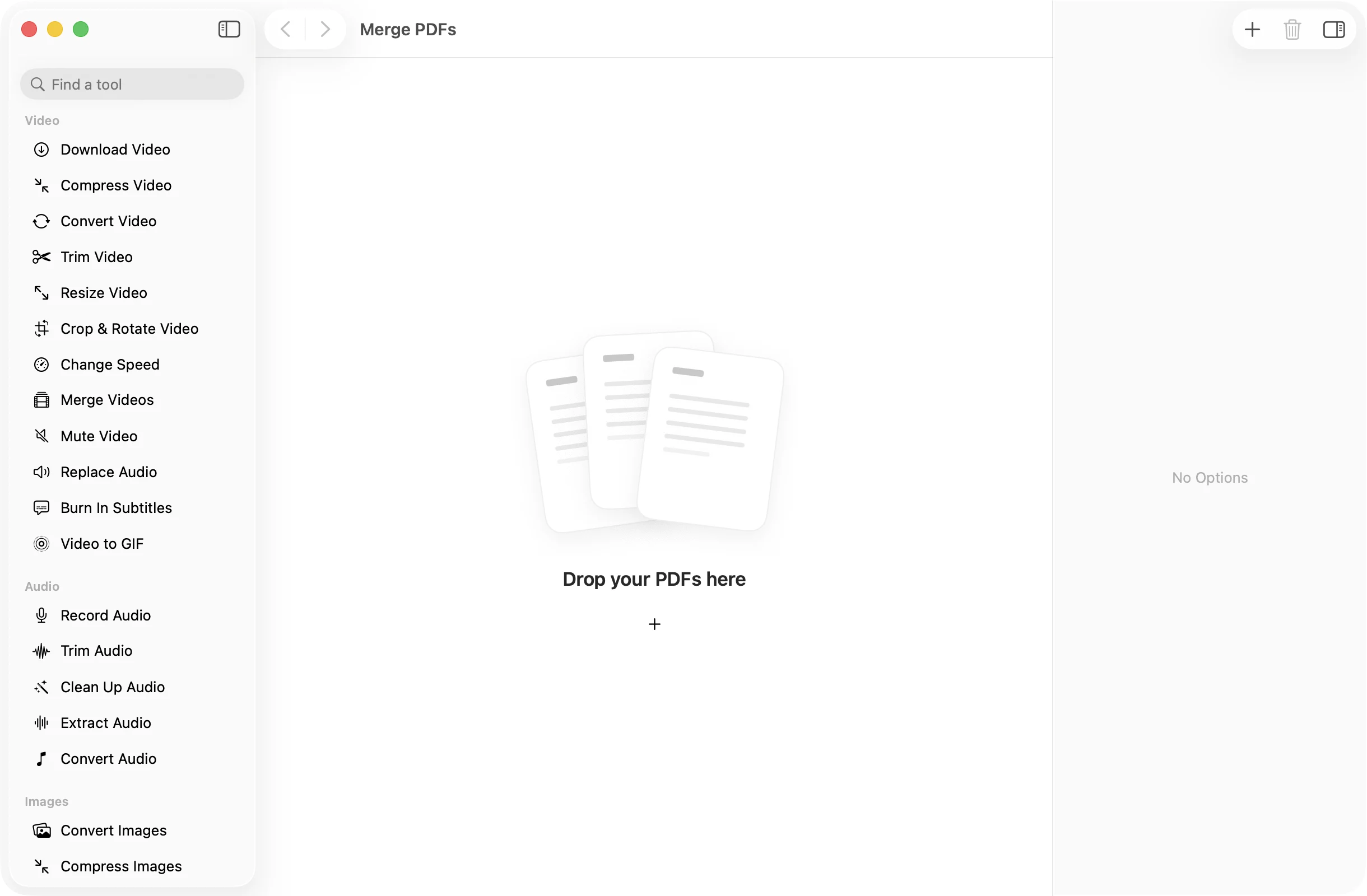
How it works
Three steps.Nothing to learn.
- 1
Drop your PDFs
Drag in two or more PDFs, or a whole folder of them. Each file shows up as a numbered card.
- 2
Put them in order
Drag the cards around until the order is right, or right-click a file and choose Move Earlier or Move Later.
- 3
Press Merge PDFs
One file called Merged.pdf lands in a dated OneMacApp folder in Downloads. The PDFs you started with are left alone.
The details
Everything you’d want.Nothing you wouldn’t.
Every page, in your order
All pages of each file are copied across, one document after another, exactly in the order of the cards.
Drop a whole folder
Add a folder and OneMacApp picks out the PDFs inside it, sorted by name the way Finder sorts them.
No limits to work around
Merge two files or two hundred. There is no upload, no size cap and no watermark on the result.
Stays on your Mac
Merging runs with Apple’s PDFKit, right on your Mac. Tax forms, medical records and contracts never leave it.
Merge PDFs
- Opens
- Saves as
- One PDF, named Merged.pdf
- Needs
- At least two PDFs
- Order
- Drag to rearrange before merging
- Originals
- Never changed
FAQ
Questions,answered.
Open Merge PDFs, drop in the files, drag them into the order you want and press Merge PDFs. You get one PDF with every page from every file.
Yes. Drag the cards into a new order, or right-click a file and choose Move Earlier or Move Later. Each card shows its position, so you can check the order before you merge.
Not while they are locked. Open them first with Remove Password, using the password you already have, then merge the unlocked copies.
Merge PDFs keeps every page. To move, rotate or remove individual pages, drop the same files into Organize PDF instead, which also combines them into one document.
No. Merging happens on your Mac, so your documents are never sent to a server.
More pdf tools
Same app.Plenty more to do.

Merge PDFs is one of 39 tools in OneMacApp.
Video, audio, images, PDFs and on-device AI in one native Mac app. Pay once and every tool is yours, including the ones we add next.
Get OneMacApp · $29₹1,499One-time purchase · macOS 26 or later