Compress PDFsto a size you can send.
Scans and image-heavy PDFs are often far bigger than they need to be. Pick a level, press Compress, and get lighter copies while the originals stay put.
One-time purchase · macOS 26 or later · Works offline
How it works
Three steps.Nothing to learn.
- 1
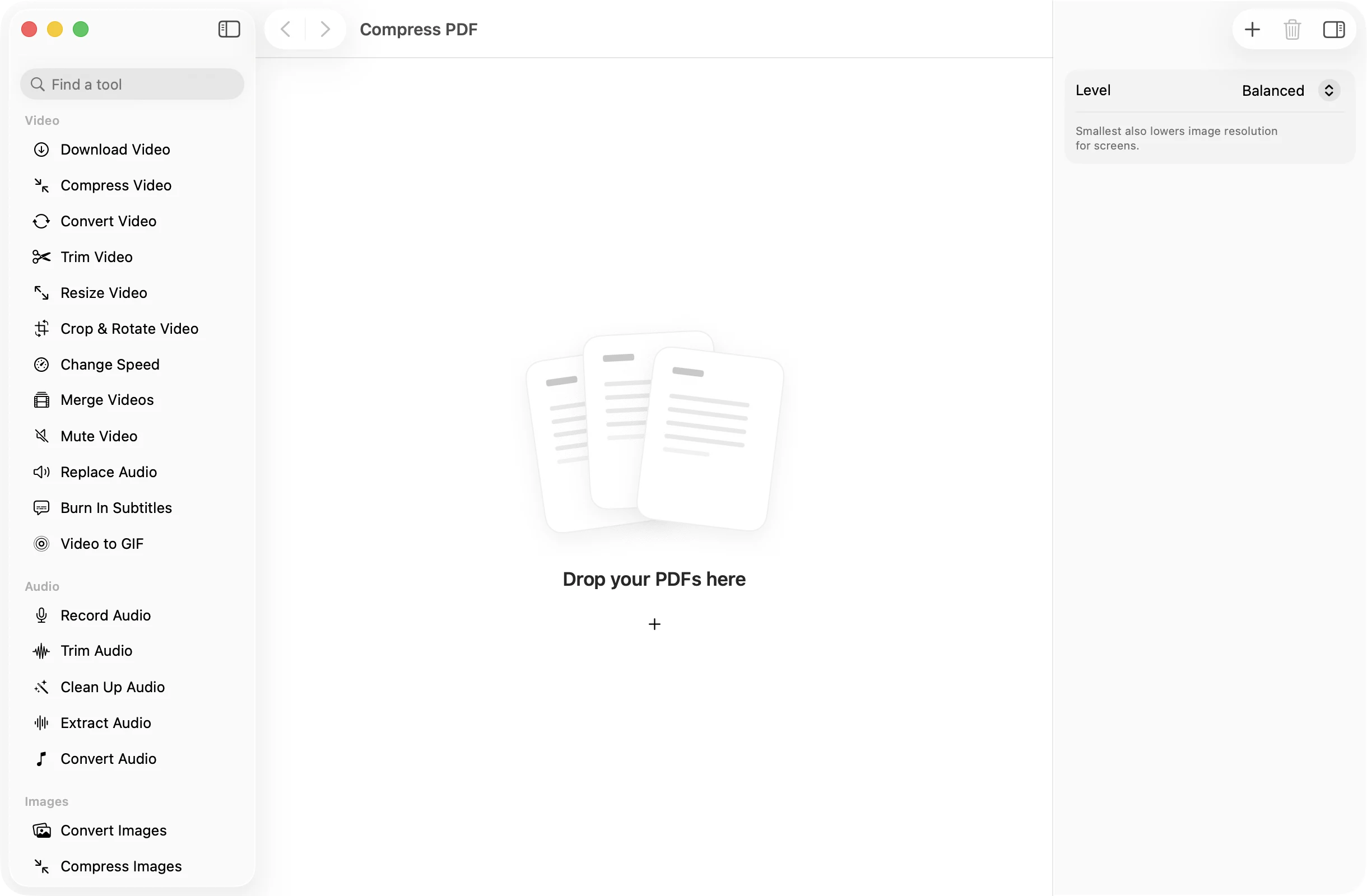
Drop your PDFs
Add one file or a whole batch. The inspector shows each file’s size and page count.
- 2
Choose a level
Balanced re-saves images more efficiently. Smallest also lowers image resolution to suit a screen, for the biggest saving.
- 3
Press Compress
The smaller PDFs land in a dated OneMacApp folder in Downloads. Your originals are never replaced.
The details
Everything you’d want.Nothing you wouldn’t.
Two clear levels
Balanced keeps images at full size and stores them as JPEG. Smallest also scales them down for screen reading.
Never bigger than before
If compressing would not make a file smaller, OneMacApp keeps an unchanged copy instead of handing you a larger one.
Batch friendly
Drop in a folder of scans and compress them all at once, with the same level applied to each.
Private by design
Compression runs on your Mac with Apple’s PDFKit. Passports, payslips and contracts are never uploaded.
Compress PDF
- Opens
- Saves as
- Levels
- Balanced, Smallest
- How
- Re-saves images as JPEG; Smallest also downsizes them
- Batch
- Any number of files at once
- Originals
- Never changed
FAQ
Questions,answered.
Open Compress PDF, drop in the file, choose Balanced or Smallest and press Compress. The smaller copy is saved in a new folder in Downloads.
Start with Balanced. If the file is still too large for an email or upload form, try Smallest, which also lowers image resolution. It suits reading on a screen more than printing.
Compress PDF works on the images inside a document. A PDF that is mostly text has little to squeeze. When there is nothing to gain, you get an unchanged copy rather than a bigger file.
Yes. Compression changes how images are stored. Text in the PDF is left as it was.
Yes. Everything happens on your Mac and nothing is uploaded, so you can compress IDs, bank statements and medical records without sending them anywhere.
More pdf tools
Same app.Plenty more to do.

Compress PDF is one of 39 tools in OneMacApp.
Video, audio, images, PDFs and on-device AI in one native Mac app. Pay once and every tool is yours, including the ones we add next.
Get OneMacApp · $29₹1,499One-time purchase · macOS 26 or later