Rotate imagesa whole batch at once.
Sideways scans, upside down photos, a folder of portrait shots that came in landscape. Pick a turn and fix them all in one go.
One-time purchase · macOS 26 or later · Works offline
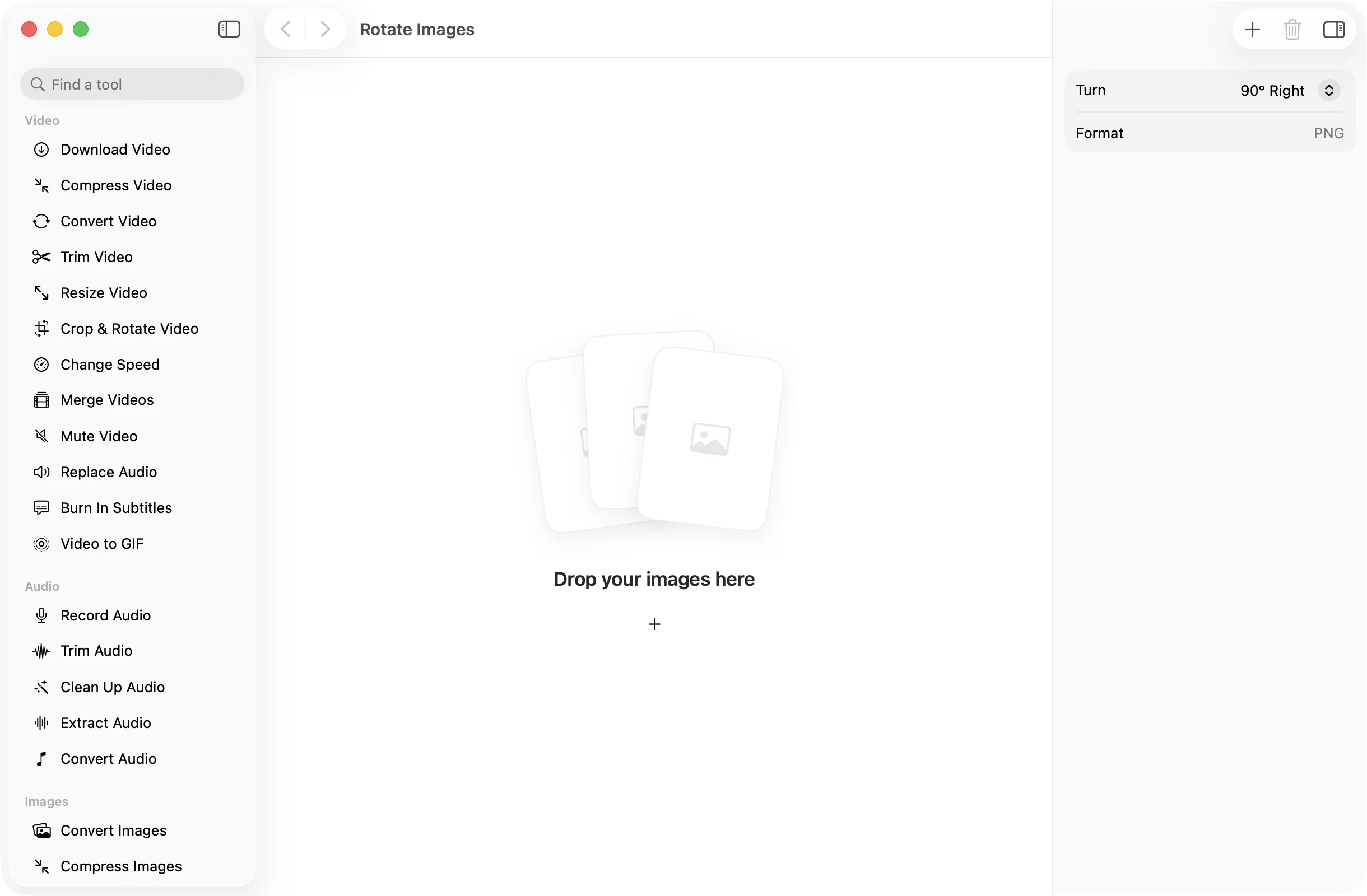
How it works
Three steps.Nothing to learn.
- 1
Drop your images
Drag in every image that needs the same turn. JPEG, PNG, HEIC, TIFF and WebP all work.
- 2
Pick a turn
Choose 90° Right, 180° or 90° Left. The same turn applies to every image in the batch.
- 3
Press Rotate
The turned copies land together in a dated OneMacApp folder in Downloads. Your originals are left as they were.
The details
Everything you’d want.Nothing you wouldn’t.
Quarter turns in bulk
Rotate ten images or a thousand with one click instead of opening and turning each one.
No quality lost
Rotated images are saved as PNG, which is lossless, so turning a photo never adds compression.
Full resolution
Every pixel is kept. Width and height simply swap on a quarter turn.
Private by design
Rotation happens on your Mac and nothing is uploaded. The copies are saved without location or camera metadata.
Rotate Images
- Opens
- HEIC, JPEG, PNG, TIFF, WebP and other formats macOS reads
- Saves as
- PNG
- Turns
- 90° right, 180°, 90° left
- Resolution
- Kept in full
- Batch
- Any number of images at once
- Originals
- Never changed
FAQ
Questions,answered.
Drop them all in, pick 90° Right, 180° or 90° Left, and press Rotate. Every image gets the same turn and the copies are saved to a new folder in Downloads.
PNG is lossless, so the turned image keeps every detail of the original. If you need JPEG or another format afterwards, run the copies through Convert Images or Compress Images.
One batch uses one turn. Group the images that need the same turn and run them together, then do the next group.
Yes. OneMacApp reads the camera’s orientation when it opens a photo and writes the pixels the way they appear, so the copy looks the same in every app. Pick the turn based on how the photo looks in Finder.
More images tools
Same app.Plenty more to do.

Rotate Images is one of 39 tools in OneMacApp.
Video, audio, images, PDFs and on-device AI in one native Mac app. Pay once and every tool is yours, including the ones we add next.
Get OneMacApp · $29₹1,499One-time purchase · macOS 26 or later