Split a PDFinto single pages.
Turn one long PDF into a stack of single-page files, ready to file, send or share one at a time. Your original stays in one piece.
One-time purchase · macOS 26 or later · Works offline
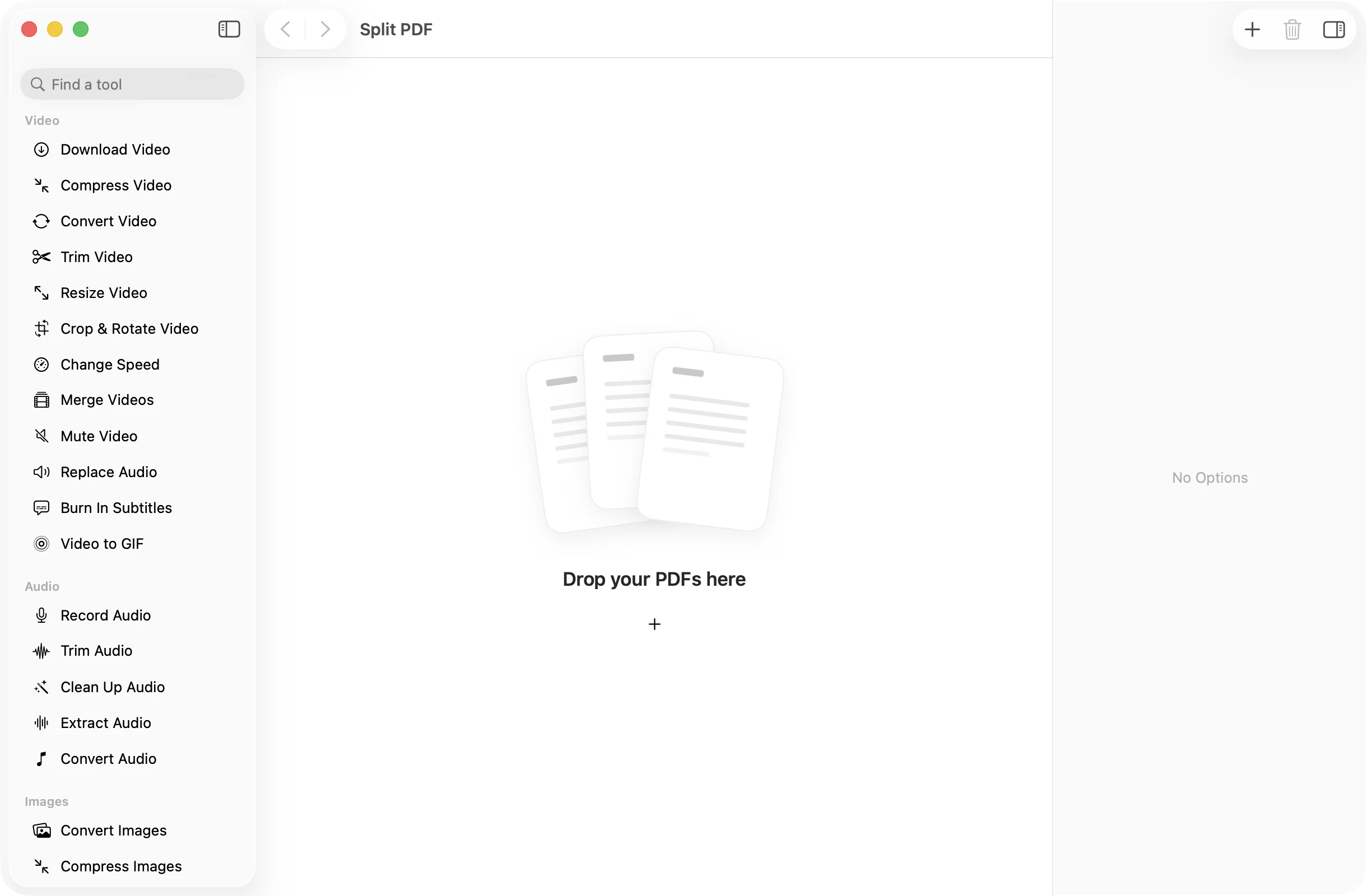
How it works
Three steps.Nothing to learn.
- 1
Drop your PDF
Drag in a PDF and its pages appear as thumbnails, so you can see exactly what you are about to split.
- 2
Check the pages
Add more PDFs if you like. Every page of every file becomes its own document.
- 3
Press Split Pages
The single-page PDFs land together in a dated OneMacApp folder in Downloads, named after the original with the page number on the end.
The details
Everything you’d want.Nothing you wouldn’t.
One file per page
Each page is saved as its own PDF, so a 40-page scan becomes 40 files you can sort, rename or send separately.
Names that make sense
Files are named after the original, such as Report-page-3.pdf, so they sort in order and you always know where a page came from.
Several PDFs at once
Drop in a batch and every page of every document is split in one go, with a progress count as it works.
Private by design
Splitting runs on your Mac with Apple’s PDFKit. Nothing is uploaded, and the original PDF is never changed.
Split PDF
- Opens
- Saves as
- One PDF for each page
- Names
- Original name plus -page-N
- Batch
- Several PDFs at once
- Originals
- Never changed
FAQ
Questions,answered.
Open Split PDF, drop in the file and press Split Pages. Every page is saved as its own PDF in a new folder in Downloads.
Split PDF always saves every page. To pull out just the pages you need into one new file, use Extract Pages instead.
Each one is named after the original with the page number added, for example Contract-page-1.pdf, Contract-page-2.pdf and so on.
Unlock it first with Remove Password, using the password you already have, then split the unlocked copy.
More pdf tools
Same app.Plenty more to do.

Split PDF is one of 39 tools in OneMacApp.
Video, audio, images, PDFs and on-device AI in one native Mac app. Pay once and every tool is yours, including the ones we add next.
Get OneMacApp · $29₹1,499One-time purchase · macOS 26 or later