Crop and rotate videoand see it before you save.
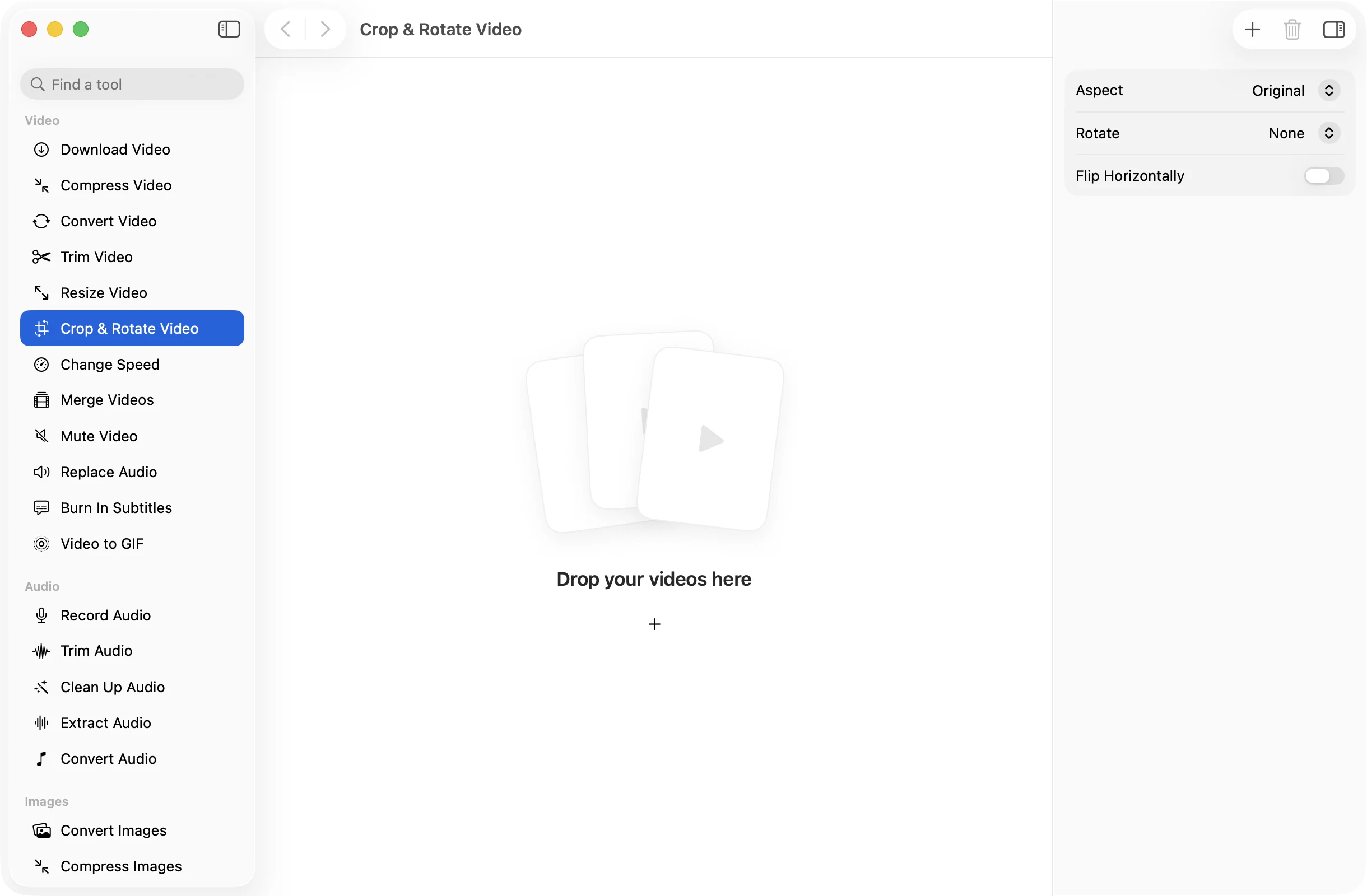
Pick a shape for the feed you’re posting to, drag the frame to keep the right part, and turn or flip the picture if it was filmed the wrong way round.
One-time purchase · macOS 26 or later · Works offline
How it works
Three steps.Nothing to learn.
- 1
Open your video
Drop a clip and it plays in a preview that shows exactly what the tool will make of it.
- 2
Set the shape
Pick Square, 9:16, 16:9 or 4:5 and drag the frame over the part to keep, or choose Free and draw the crop yourself. Rotate or flip if you need to.
- 3
Press Apply
The new MP4 is saved in a dated OneMacApp folder in Downloads, and the original is left as it was.
The details
Everything you’d want.Nothing you wouldn’t.
Shapes for every feed
Square, 9:16 for Stories and Reels, 16:9 for widescreen and 4:5 for portrait posts, or Free for any crop you draw.
Fill or Fit
Fill crops the picture to the shape. Fit keeps all of it and adds black bars, so nothing important is cut off.
Fix sideways videos
Turn 90° right, 180° or 90° left, and flip horizontally to undo a mirrored selfie camera.
Preview as it plays
You watch the crop on the moving video, so you can check that nobody walks out of frame before you save.
Crop & Rotate Video
- Opens
- MOV, MP4, M4V, MKV, WebM, AVI, MTS
- Saves as
- MP4 (H.264, AAC)
- Aspect
- Original, Free, Square, 9:16, 16:9, 4:5
- Rotate
- 90° right, 180°, 90° left
- Flip
- Horizontal
- Needs
- FFmpeg, installed for you in one click
FAQ
Questions,answered.
Drop the video in, set Aspect to Square, drag the frame over the part you want to keep and press Apply.
Set Rotate to 90° Right or 90° Left, check the preview, and press Apply. You can leave Aspect on Original if you only want to turn it.
Yes. Pick 9:16 and Fill to crop a tall slice out of the frame, and drag it to follow the subject. Pick Fit instead to keep the whole picture with bars above and below.
Yes. Turn on Flip Horizontally. It is handy for front camera footage where the text came out backwards.
The kept part is saved at its own pixel size as a high quality H.264 MP4. Cropping does not scale it up, so a tight crop gives a smaller frame.
More video tools
Same app.Plenty more to do.

Crop & Rotate Video is one of 39 tools in OneMacApp.
Video, audio, images, PDFs and on-device AI in one native Mac app. Pay once and every tool is yours, including the ones we add next.
Get OneMacApp · $29₹1,499One-time purchase · macOS 26 or later