Extract PDF pagesinto a new file.
Need only the signature page, or chapter three? Select those pages and save them as their own PDF. The full document stays as it was.
One-time purchase · macOS 26 or later · Works offline
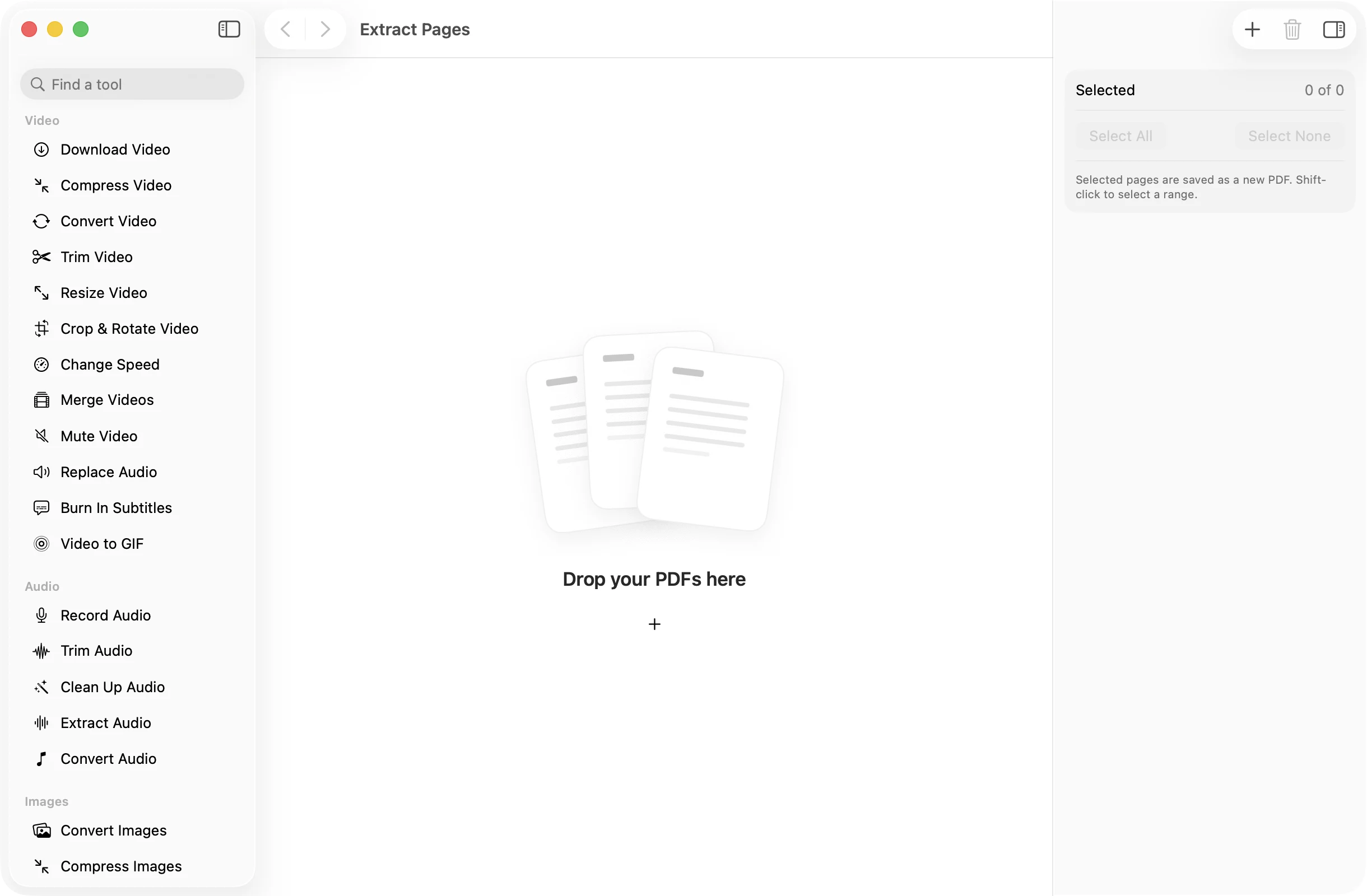
How it works
Three steps.Nothing to learn.
- 1
Drop your PDF
Its pages appear as thumbnails, so you can find the ones you need at a glance.
- 2
Select the pages to keep
Click pages to tick them. Shift-click to take a whole range, such as pages 12 to 18.
- 3
Press Save PDF
The selected pages are saved, in order, as a new PDF in a dated OneMacApp folder in Downloads.
The details
Everything you’d want.Nothing you wouldn’t.
Only what you need
Send the two pages someone asked for instead of the whole 60-page file.
Quick range selection
Shift-click selects every page between two clicks, and Select All or Select None resets things in one go.
Works across several PDFs
Drop in a few documents and pick pages from each. Every file with a selection gets its own new PDF, and files with none are skipped.
On your Mac only
Extraction runs locally with Apple’s PDFKit. Nothing is uploaded and the source PDF is never modified.
Extract Pages
- Opens
- Saves as
- PDF with the selected pages
- Selection
- Click, shift-click, Select All, Select None
- Batch
- One new PDF per file with a selection
- Originals
- Never changed
FAQ
Questions,answered.
Open Extract Pages, drop in the PDF, click the pages you want and press Save PDF. Those pages are saved together as a new file.
Extract Pages puts the pages you choose into one new PDF. Split PDF saves every page as its own separate file.
Yes. Click any pages you like, such as 2, 7 and 15. They are saved in the order they appear in the original.
No. The pages are copied across as they are, so text stays sharp and searchable if it was before.
More pdf tools
Same app.Plenty more to do.

Extract Pages is one of 39 tools in OneMacApp.
Video, audio, images, PDFs and on-device AI in one native Mac app. Pay once and every tool is yours, including the ones we add next.
Get OneMacApp · $29₹1,499One-time purchase · macOS 26 or later