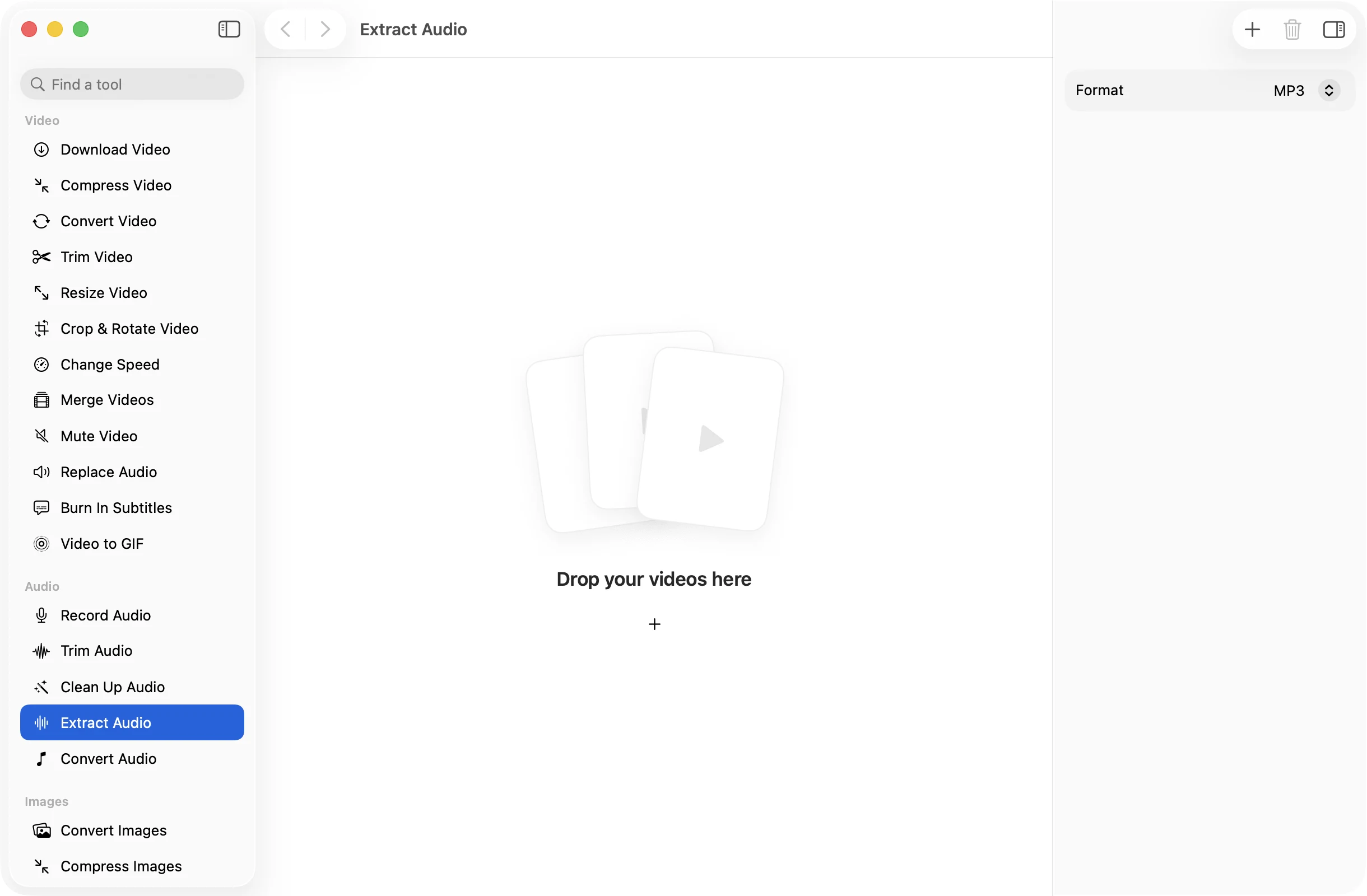
Extract audiofrom any video.
Drop in a talk, a music video or a folder of clips and get just the sound, ready to listen to, edit or transcribe. The videos stay untouched.
One-time purchase · macOS 26 or later · Works offline
How it works
Three steps.Nothing to learn.
- 1
Drop your videos
MOV, MP4, M4V, MKV, WebM, AVI and MTS all work. Drop one or a whole batch.
- 2
Pick a format
MP3 for listening anywhere, M4A for Apple devices, WAV or FLAC when you want every detail kept for editing.
- 3
Press Extract Audio
Each soundtrack is saved under its video’s name in a dated OneMacApp folder in Downloads.
The details
Everything you’d want.Nothing you wouldn’t.
Four formats
Save as MP3, M4A (AAC at 192 kbps), 16-bit WAV or lossless FLAC, whichever the next app expects.
Whole folders at once
Drop a set of lectures or clips and get a matching set of audio files in one go, each named after its video.
No size limit
A two hour recording works as well as a short clip. There is no upload to wait for and no cap.
Private by design
Everything runs on your Mac with FFmpeg, so recordings of meetings, classes and family events never leave it.
Extract Audio
- Opens
- MOV, MP4, M4V, MKV, WebM, AVI, MTS
- Saves as
- MP3, M4A, WAV or FLAC
- Track
- The video’s first audio track
- Batch
- Any number of videos at once
- Originals
- Never changed
- Needs
- FFmpeg, installed for you in one click
FAQ
Questions,answered.
Drop the MP4 into Extract Audio, leave the format on MP3 and press Extract Audio. The MP3 appears in a dated OneMacApp folder in Downloads with the same name as the video.
MP3 plays on almost anything. M4A is a little more efficient and suits Apple devices. Choose WAV or FLAC if you will edit the audio, since they keep full quality.
Extract Audio takes the first audio track, which is usually the main one.
No. The video is left exactly as it was. To get a silent copy of a video, use Mute Video.
Audio tools use FFmpeg. If it is not on your Mac yet, OneMacApp installs it through Homebrew with one button, or you can point it at a copy you already have.
More audio tools
Same app.Plenty more to do.

Extract Audio is one of 39 tools in OneMacApp.
Video, audio, images, PDFs and on-device AI in one native Mac app. Pay once and every tool is yours, including the ones we add next.
Get OneMacApp · $29₹1,499One-time purchase · macOS 26 or later