Convert videoto the format you need.
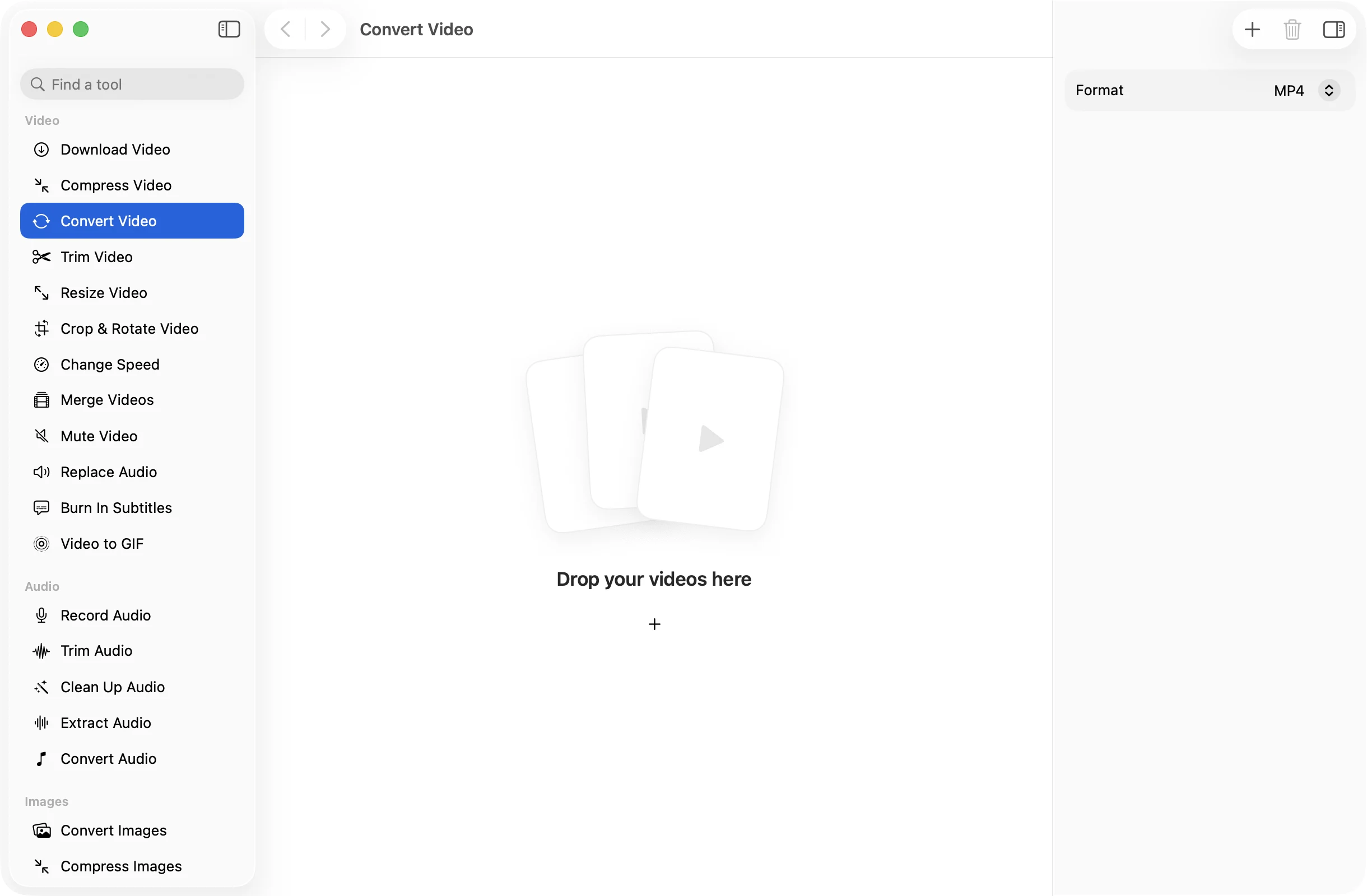
Got an MKV that QuickTime won’t open, or a MOV a website won’t take? Drop it in, pick MP4, MOV or WebM, and get a file that plays where you need it.
One-time purchase · macOS 26 or later · Works offline
How it works
Three steps.Nothing to learn.
- 1
Drop your videos
MOV, MP4, M4V, MKV, WebM, AVI and MTS all work. Drop one file or a whole folder’s worth.
- 2
Pick a format
MP4 for almost everything, MOV for Apple apps and editors, or WebM for the web.
- 3
Press Convert
The converted copies are saved together in a dated OneMacApp folder in Downloads. The originals stay exactly as they were.
The details
Everything you’d want.Nothing you wouldn’t.
Opens the awkward ones
MKV, AVI and camcorder MTS files that QuickTime refuses become ordinary videos you can play, share and edit.
Three useful targets
MP4 and MOV are saved as H.264 with AAC audio. WebM uses VP9 video with Opus audio, the pairing browsers expect.
Good quality by default
Video is re-encoded at a high quality setting, so the result looks like the source without you having to tune anything.
Stays on your Mac
Conversion runs locally with FFmpeg. There is nothing to upload, no wait in a queue and no limit on file size.
Convert Video
- Opens
- MOV, MP4, M4V, MKV, WebM, AVI, MTS
- Saves as
- MP4 or MOV (H.264, AAC) or WebM (VP9, Opus)
- Settings
- Format
- Batch
- Any number of files at once
- Originals
- Never changed
- Needs
- FFmpeg, installed for you in one click
FAQ
Questions,answered.
Drop the MKV into Convert Video, leave the format on MP4 and press Convert. The new MP4 plays in QuickTime, Photos, iMovie and on an iPhone.
Both hold the same H.264 video and AAC audio here. MP4 is the safer choice for sharing and the web. MOV is handy if an Apple app or editor you use prefers it.
WebM is made for websites. Pick it when you are putting a video on a page yourself and want an open format that browsers play natively.
The video is re-encoded, so it is not a bit-for-bit copy, but it uses a high quality setting and most people cannot tell the difference. If you also want a smaller file, use Compress Video.
Yes. Drop as many as you like. Every file gets the same format and they all land in the same folder.
More video tools
Same app.Plenty more to do.

Convert Video is one of 39 tools in OneMacApp.
Video, audio, images, PDFs and on-device AI in one native Mac app. Pay once and every tool is yours, including the ones we add next.
Get OneMacApp · $29₹1,499One-time purchase · macOS 26 or later