Remove the backgroundin one click.
People, pets, products and objects are lifted onto a transparent background, ready for slides, listings or a new design. The work is done by your Mac, not a server.
One-time purchase · macOS 26 or later · Works offline
How it works
Three steps.Nothing to learn.
- 1
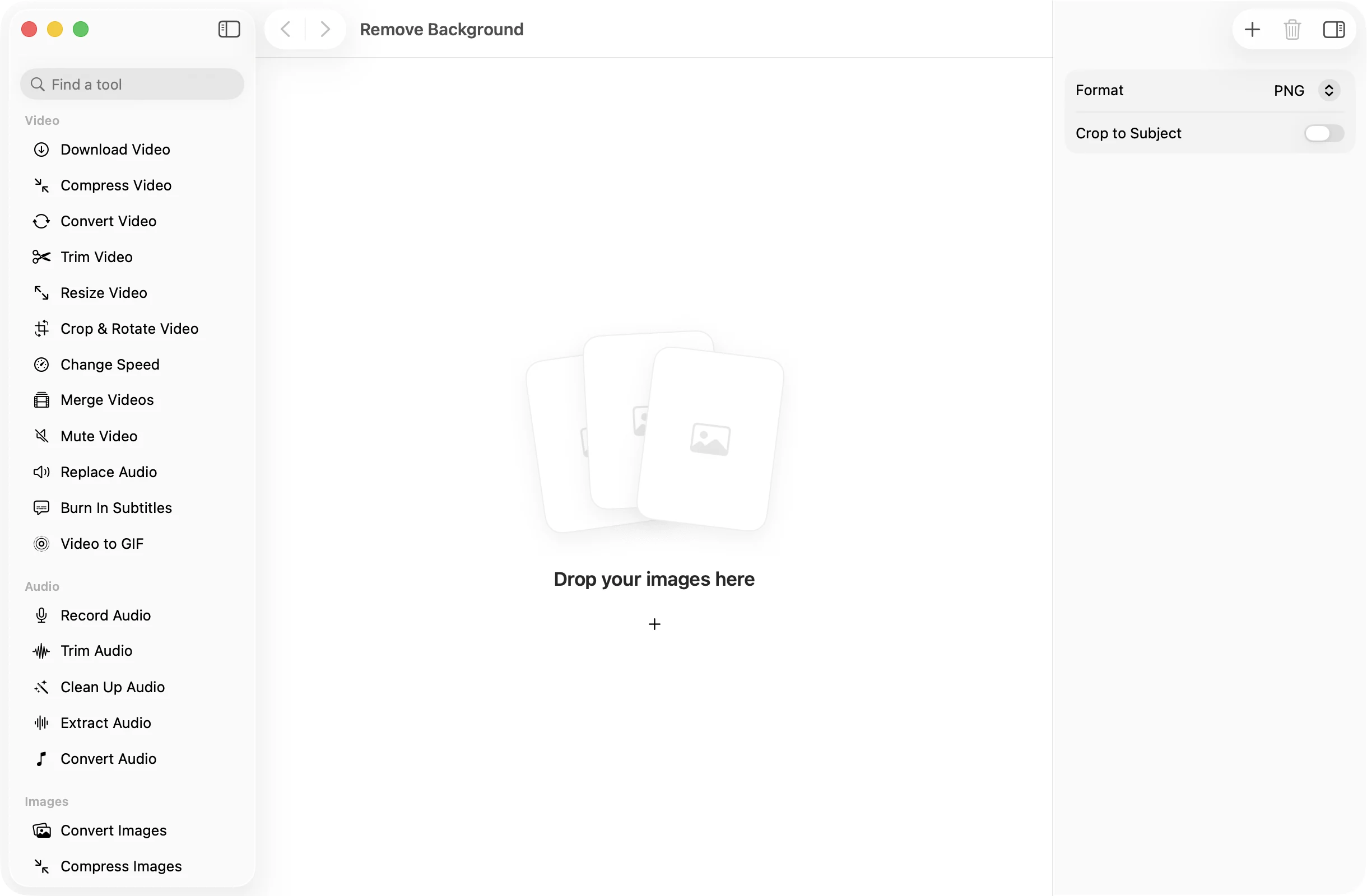
Drop your images
Drag in one photo or a batch. Pick an image to see the original and the cutout side by side before you save.
- 2
Choose the output
Save as PNG, HEIC or WebP, all of which keep transparency. Turn on Crop to Subject to trim the empty space around it.
- 3
Press Remove Background
The cutouts land together in a dated OneMacApp folder in Downloads. Your original photos stay untouched.
The details
Everything you’d want.Nothing you wouldn’t.
Finds the subject for you
Apple’s Vision framework spots the people, animals and objects in the foreground. There is nothing to trace or brush.
Preview before you save
See the original next to the cutout for any image in the batch, so you know what you will get.
Crop to Subject
Trim the result tight around the subject, ready to place in a document or design without extra empty space.
Private by design
Cutouts are made on your Mac. Portraits, product shots and family photos are never uploaded.
Remove Background
- Opens
- HEIC, JPEG, PNG, TIFF, WebP and other formats macOS reads
- Saves as
- PNG (default), HEIC or WebP, with transparency
- Settings
- Format, Crop to Subject
- Engine
- Apple Vision, on device
- Batch
- Any number of images at once
- Originals
- Never changed
FAQ
Questions,answered.
Drop the photo in, leave Format on PNG and press Remove Background. You get a PNG with the subject on a transparent background in a new folder in Downloads.
Photos with a clear subject in the foreground, such as a person, a pet or a product, give the cleanest cutouts. If no clear subject is found, OneMacApp tells you rather than guessing.
It trims the finished image to the edges of the subject, so there is no empty transparent border. Leave it off to keep the original canvas size.
JPEG has no transparency, so the background would come back as a solid color. PNG, HEIC and WebP all keep the transparent background.
No for PNG and HEIC. WebP output uses FFmpeg, which OneMacApp can install for you with one button.
More images tools
Same app.Plenty more to do.

Remove Background is one of 39 tools in OneMacApp.
Video, audio, images, PDFs and on-device AI in one native Mac app. Pay once and every tool is yours, including the ones we add next.
Get OneMacApp · $29₹1,499One-time purchase · macOS 26 or later