Organize PDF pagesby dragging them.
See every page as a thumbnail, then drag, rotate and remove until the document reads the way it should. You get a fresh PDF and the original stays as it was.
One-time purchase · macOS 26 or later · Works offline
How it works
Three steps.Nothing to learn.
- 1
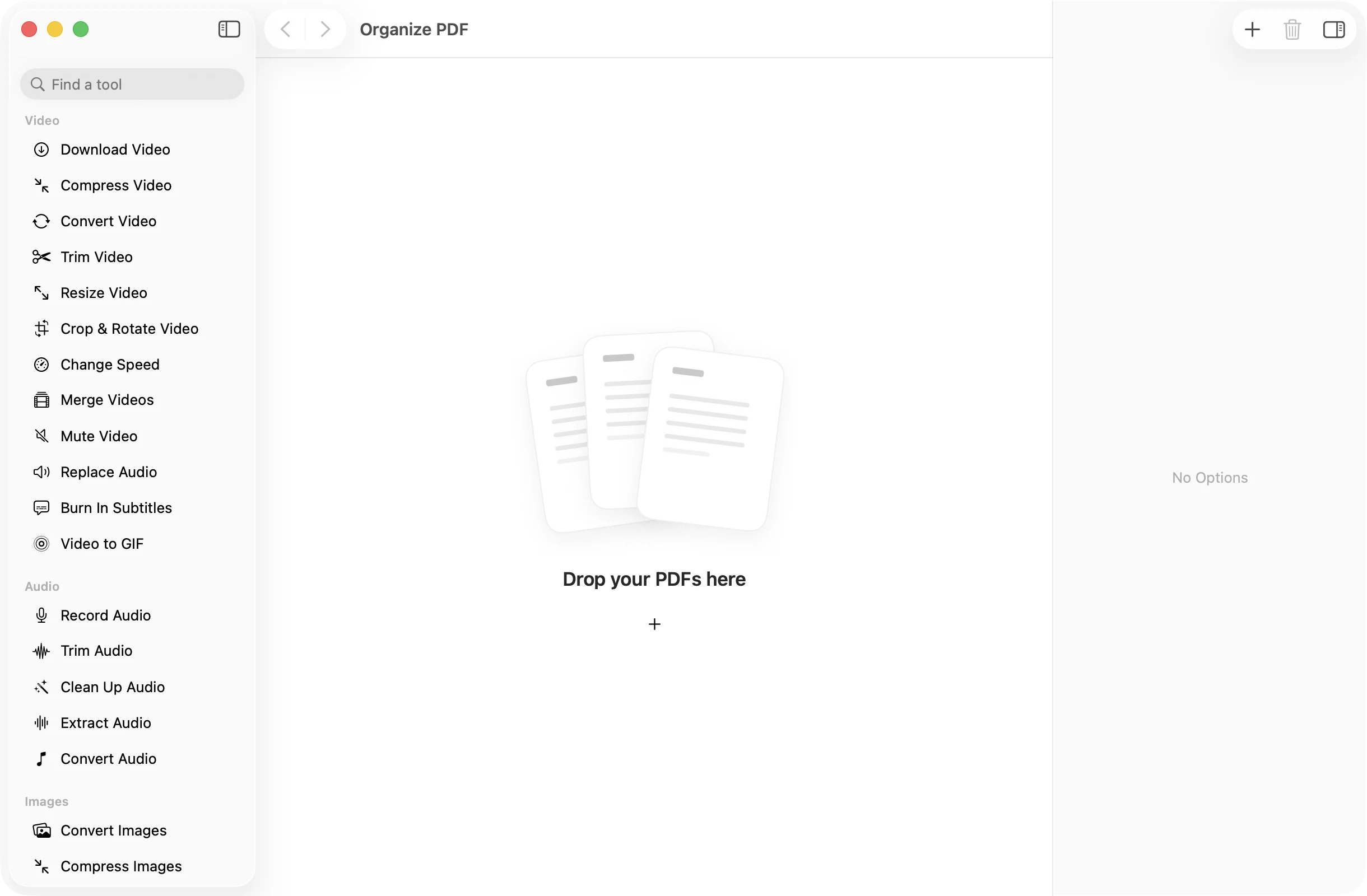
Drop your PDFs
Add one PDF or a few. Their pages appear together as one grid of thumbnails.
- 2
Arrange the pages
Drag a page to move it. Hover over a page to rotate it clockwise or remove it. Right-click for Quick Look.
- 3
Press Save PDF
The pages are saved in their new order as one PDF in a dated OneMacApp folder in Downloads. Your originals are not touched.
The details
Everything you’d want.Nothing you wouldn’t.
Drag to reorder
Pick up any page and drop it where it belongs. The page numbers update as you go, so you can see the final order before saving.
Fix sideways scans
Rotate any page clockwise in quarter turns. Handy for a landscape table or a scan that came in upside down.
Mix pages from several files
Pages from every PDF you drop in share one grid, so you can slot a signed page from one file into another.
Nothing leaves your Mac
Pages are rearranged with Apple’s PDFKit on your own computer. There is no upload and no account.
Organize PDF
- Opens
- PDF, one or several
- Saves as
- One PDF with the pages in your order
- Page actions
- Move, rotate clockwise, remove
- Preview
- Quick Look on any page
- Originals
- Never changed
FAQ
Questions,answered.
Open Organize PDF and drop in the file. Drag the page thumbnails into the order you want, then press Save PDF to get a new copy with that order.
Yes. Hover over the page and click the rotate button. Each click turns it 90 degrees clockwise, and only that page changes.
Yes. Drop in several PDFs and all their pages show up together. Arrange them however you like and they are saved as one document.
No. Organize PDF always saves a new PDF in a dated OneMacApp folder in Downloads. The file you started with stays exactly as it was.
You can remove pages here, or use Delete Pages, where you tick the pages to drop and keep the rest in their original order.
More pdf tools
Same app.Plenty more to do.

Organize PDF is one of 39 tools in OneMacApp.
Video, audio, images, PDFs and on-device AI in one native Mac app. Pay once and every tool is yours, including the ones we add next.
Get OneMacApp · $29₹1,499One-time purchase · macOS 26 or later