Add a passwordto any PDF.
Lock a PDF before you email it or store it somewhere shared. Anyone who opens the copy will need the password you set.
One-time purchase · macOS 26 or later · Works offline
How it works
Three steps.Nothing to learn.
- 1
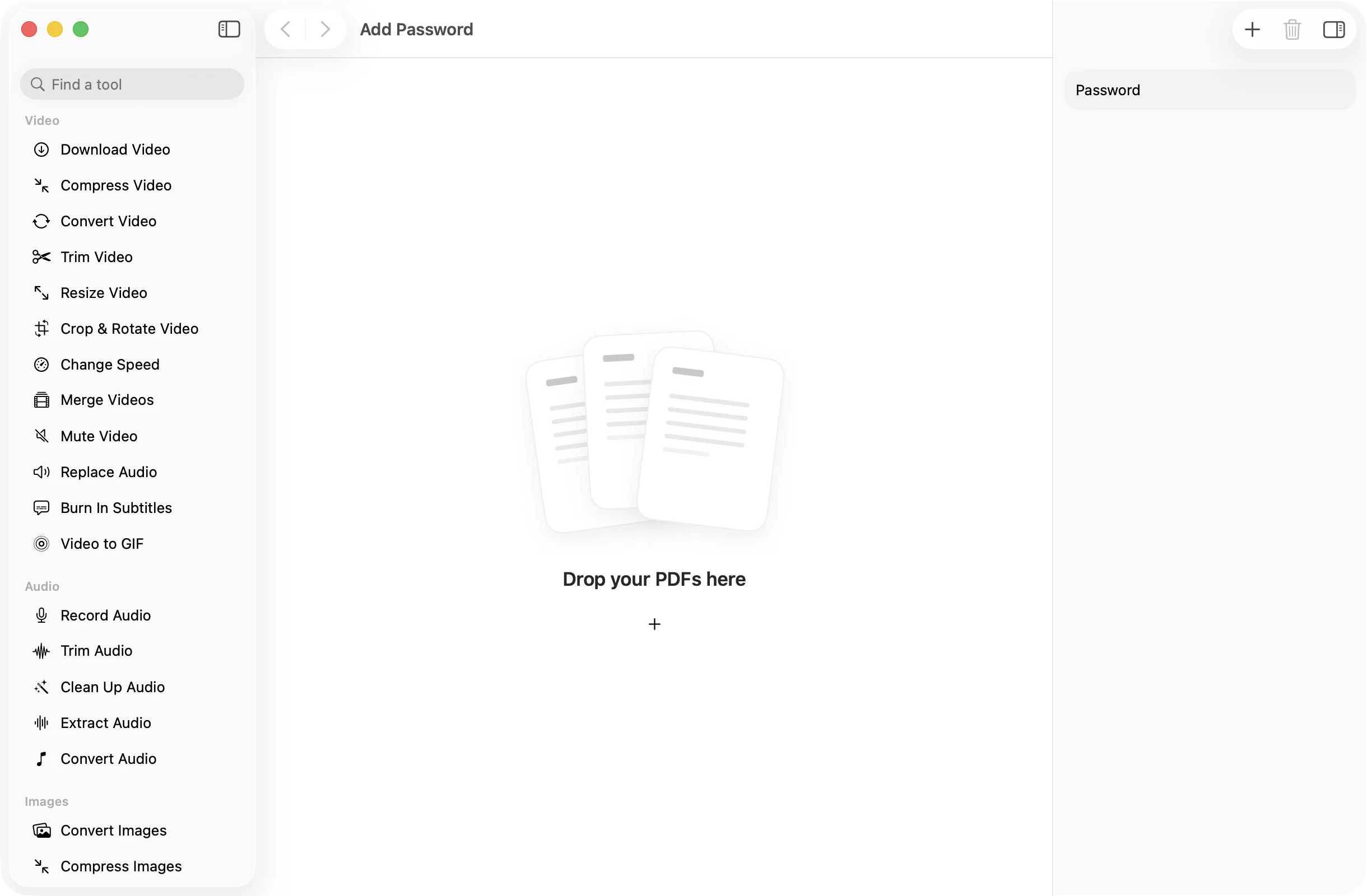
Drop your PDFs
Add one document or a batch. Every file gets the same password.
- 2
Type a password
Enter it in the inspector. Pick something you will remember, or keep it in your password manager.
- 3
Press Add Password
Locked copies land in a dated OneMacApp folder in Downloads. The unprotected originals stay where they were.
The details
Everything you’d want.Nothing you wouldn’t.
Asks before it opens
The protected copy needs the password to open in Preview, a browser or any other PDF reader.
Lock a batch at once
Drop in a folder of statements or reports and protect them all with one password in a single step.
Your password stays local
The password is used on your Mac to lock the file. It is not sent anywhere.
Originals kept
OneMacApp writes new, protected copies, so you always have the open version for yourself.
Add Password
- Opens
- Saves as
- Password-protected PDF
- Setting
- One password for the batch
- Batch
- Any number of files at once
- Originals
- Never changed
FAQ
Questions,answered.
Open Add Password, drop in the PDF, type a password in the inspector and press Add Password. The locked copy is saved in a new folder in Downloads.
The protected copy cannot be opened without it, and OneMacApp cannot recover it. Your original, unprotected file is still in its usual place, so keep that or store the password somewhere safe.
Yes. Drop in as many as you like. They all get the password you typed.
No. Any standard PDF reader, including Preview on a Mac and the readers built into browsers, will ask for the password and then open the file.
Use Remove Password with the same password. It saves an open copy of the PDF.
More pdf tools
Same app.Plenty more to do.

Add Password is one of 39 tools in OneMacApp.
Video, audio, images, PDFs and on-device AI in one native Mac app. Pay once and every tool is yours, including the ones we add next.
Get OneMacApp · $29₹1,499One-time purchase · macOS 26 or later