Batch rename filesinto one tidy series.
Drop in a pile of files with names like IMG_4021, type one name, and get a neatly numbered set. Save renamed copies, or rename the originals where they are.
One-time purchase · macOS 26 or later · Works offline
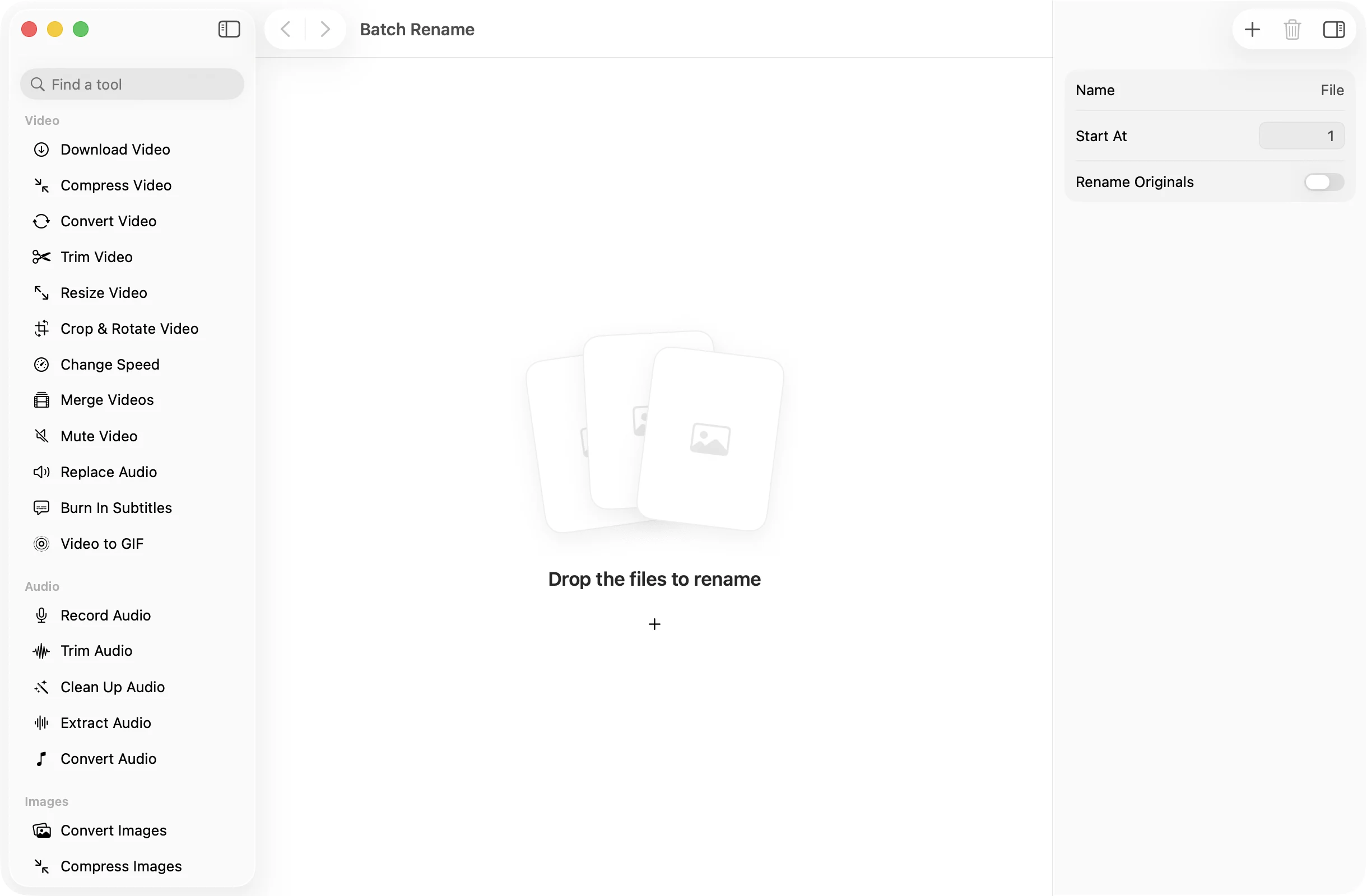
How it works
Three steps.Nothing to learn.
- 1
Drop the files
Any kind of file works. Drop a folder and its files come in sorted by name, then drag them into the order you want.
- 2
Type a name
Set the name and the number to start from. The inspector shows a preview of the first new name, so you know what you will get.
- 3
Press Rename
Renamed copies land in a dated OneMacApp folder in Downloads. Or turn on Rename Originals to rename the files right where they are.
The details
Everything you’d want.Nothing you wouldn’t.
Copies or originals
By default your files are left alone and renamed copies are saved. Turn on Rename Originals when you want the files themselves renamed in place.
Numbers that sort
Numbers are padded with zeros to fit the batch, so File-09 comes before File-10 in Finder and every list stays in order.
Safe in place
Before renaming originals, OneMacApp checks that no new name clashes with a file already there. If a rename fails partway, every file is put back.
Extensions kept
Only the name changes. A photo stays a photo and a PDF stays a PDF, so nothing breaks when you open them.
Batch Rename
- Opens
- Any file type
- Pattern
- Name-01, Name-02, and so on
- Settings
- Name, Start At, Rename Originals
- Numbering
- Zero-padded to at least two digits
- Batch
- Any number of files at once
- Originals
- Untouched, unless you choose to rename them
FAQ
Questions,answered.
Drop them into Batch Rename, type a name, choose a start number and press Rename. Every file gets the name plus a number, such as Trip-01, Trip-02 and Trip-03.
Not unless you ask it to. By default it saves renamed copies in a new folder and leaves the originals alone. Turn on Rename Originals to rename the files where they are.
The order they appear in the list. Files from a dropped folder are sorted by name, and you can drag any file to a new spot before you press Rename.
Yes. Set Start At to any number. That is handy when you are adding a new batch to a series you started earlier.
When renaming in place, OneMacApp checks every new name first and stops with a message if one is taken, so nothing is overwritten. Renamed copies always go into their own new folder.

Batch Rename is one of 39 tools in OneMacApp.
Video, audio, images, PDFs and on-device AI in one native Mac app. Pay once and every tool is yours, including the ones we add next.
Get OneMacApp · $29₹1,499One-time purchase · macOS 26 or later