Extract text from imagesand scanned PDFs.
Drop in a screenshot, a photo of a page or a scanned PDF and get the words back as a text file you can search, copy and edit. It all happens on your Mac.
One-time purchase · macOS 26 or later · Works offline
How it works
Three steps.Nothing to learn.
- 1
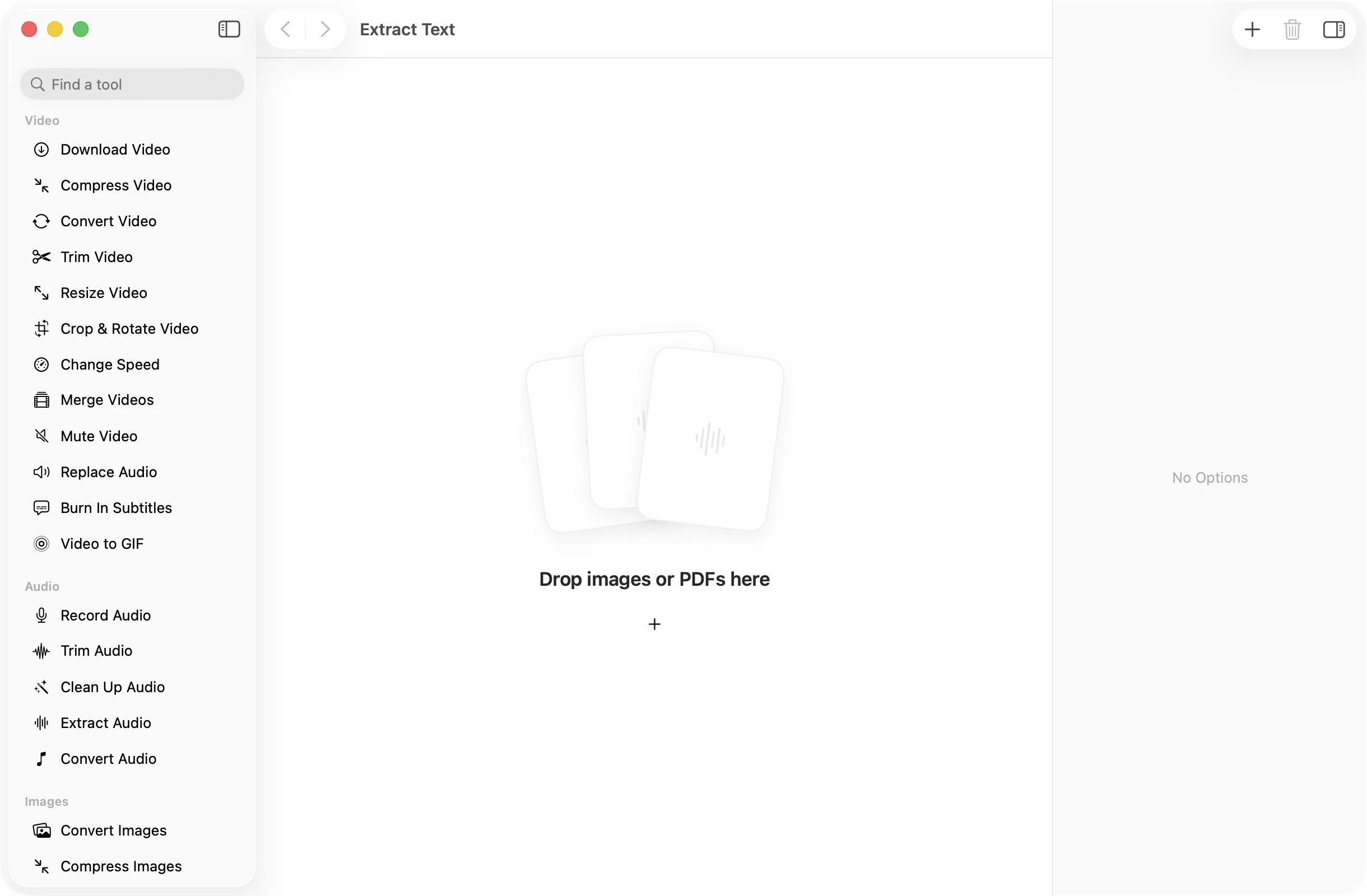
Drop images or PDFs
Screenshots, phone photos, scans and PDFs, one at a time or a whole folder. There is nothing to set up first.
- 2
Press Extract Text
Each file is read on your Mac. The language is detected for you, and the text appears in the app as soon as it is ready.
- 3
Use the text
Every file becomes a TXT file in a dated OneMacApp folder in Downloads. Your images and PDFs are not touched.
The details
Everything you’d want.Nothing you wouldn’t.
Reads scans and photos
Text is recognized with Apple’s Vision framework at its most accurate setting, with language correction turned on.
Smart with PDFs
Pages that already contain text are copied as they are. Scanned pages are read with OCR. Each page is labeled, so you can find your place.
No settings to fiddle with
The language is detected automatically. Drop the files, press one button, and read the result.
Private by design
Nothing leaves your Mac, which matters for receipts, contracts, IDs and anything else you would rather not upload.
Extract Text
- Opens
- Images (JPEG, PNG, HEIC and more) and PDFs
- Saves as
- Plain text (TXT), one file per input
- Language
- Detected automatically
- Engine
- Apple Vision text recognition, on-device
- Batch
- Any number of files at once
- Originals
- Never changed
FAQ
Questions,answered.
Drop the image into Extract Text and press the button. The words are saved as a text file and shown in the app, ready to copy.
Yes. Scanned pages are read with OCR, and pages that already have real text are copied directly. The result keeps the page numbers so you can tell where each part came from.
No. The language is detected for each file, so a mixed batch works without any setup.
No. Text recognition runs on your Mac with Apple’s Vision framework. Nothing is sent anywhere.
It saves the words as plain text, line by line. Fonts, columns and images are not kept, which makes the text easy to paste anywhere.
More AI tools
Same app.Plenty more to do.

Extract Text is one of 39 tools in OneMacApp.
Video, audio, images, PDFs and on-device AI in one native Mac app. Pay once and every tool is yours, including the ones we add next.
Get OneMacApp · $29₹1,499One-time purchase · macOS 26 or later