Delete PDF pageswith a few clicks.
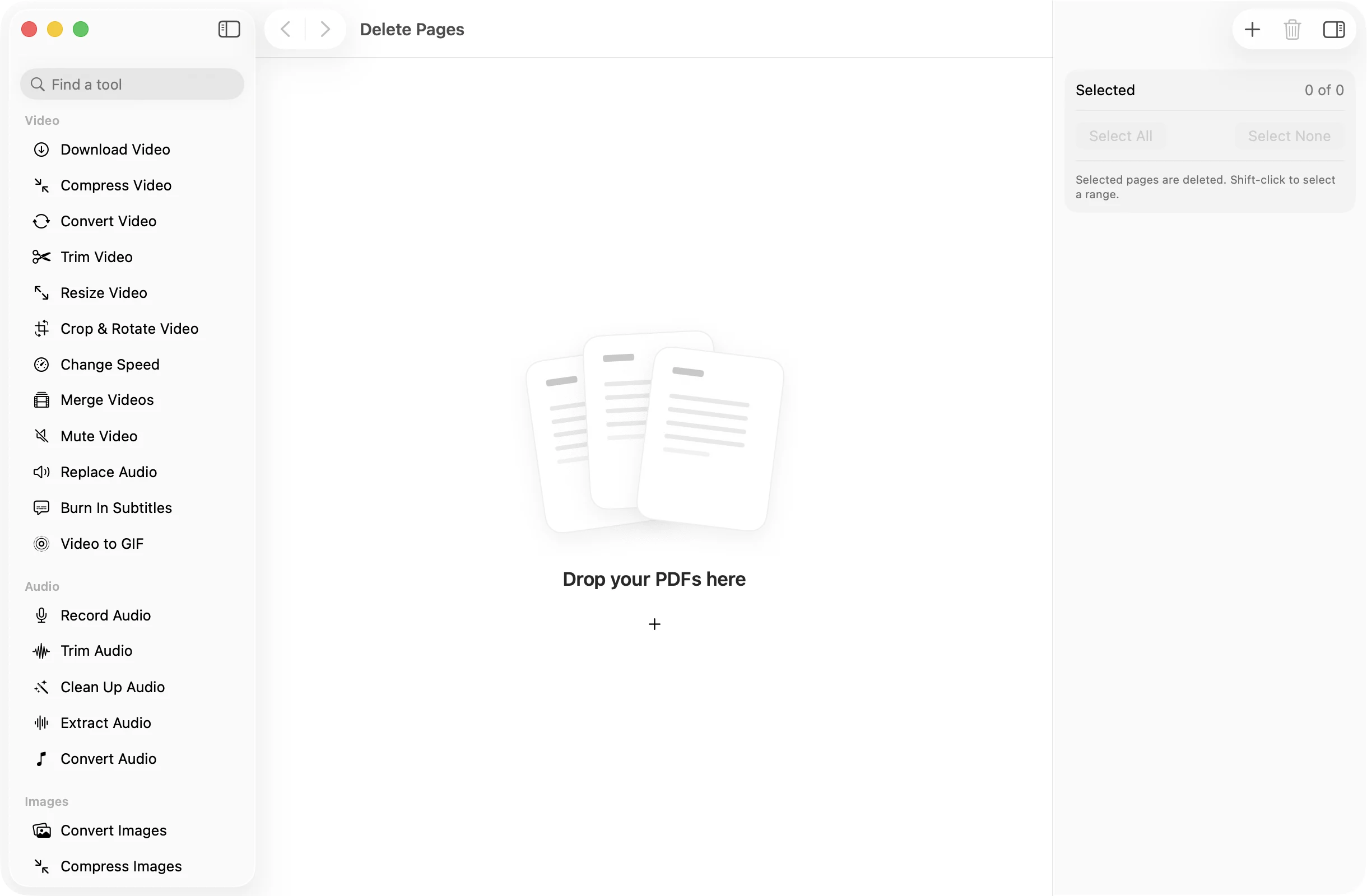
Click the blank page, the duplicate scan or the cover sheet you never needed, and save a copy without them. The original PDF stays complete.
One-time purchase · macOS 26 or later · Works offline
How it works
Three steps.Nothing to learn.
- 1
Drop your PDF
Every page shows as a thumbnail. You can add several PDFs and trim them all at once.
- 2
Click the pages to delete
Selected pages fade so you can see what will go. Shift-click to select a range, or use Select All and Select None.
- 3
Press Save PDF
A copy of each PDF without those pages lands in a dated OneMacApp folder in Downloads. The original is left as it was.
The details
Everything you’d want.Nothing you wouldn’t.
See what you are removing
Pages you select fade out in the grid, and the inspector counts how many are selected, so there are no surprises.
Ranges in one move
Shift-click to select every page between two clicks. Useful for dropping a whole appendix or a run of blank scans.
Several files at once
Drop in a batch and pick pages across all of them. Each PDF is saved as its own trimmed copy.
Private and offline
Pages are removed on your Mac with Apple’s PDFKit. Nothing is uploaded, so statements and contracts stay with you.
Delete Pages
- Opens
- Saves as
- PDF, one per input file
- Selection
- Click, shift-click, Select All, Select None
- Keeps
- At least one page in each file
- Originals
- Never changed
FAQ
Questions,answered.
Open Delete Pages, drop in the PDF, click the pages you want gone and press Save PDF. You get a new copy without those pages.
Yes. Click as many as you like, or click one page and shift-click another to select everything in between.
No. Each PDF needs to keep at least one page. If you do not need a file at all, remove it from the list instead.
Yes. The pages you keep are copied across as they are, not re-scanned or re-compressed.
More pdf tools
Same app.Plenty more to do.

Delete Pages is one of 39 tools in OneMacApp.
Video, audio, images, PDFs and on-device AI in one native Mac app. Pay once and every tool is yours, including the ones we add next.
Get OneMacApp · $29₹1,499One-time purchase · macOS 26 or later