Images to PDF,one page per picture.
Gather receipts, whiteboard photos or scanned pages into a single document you can send or file. Put them in order and you are done.
One-time purchase · macOS 26 or later · Works offline
How it works
Three steps.Nothing to learn.
- 1
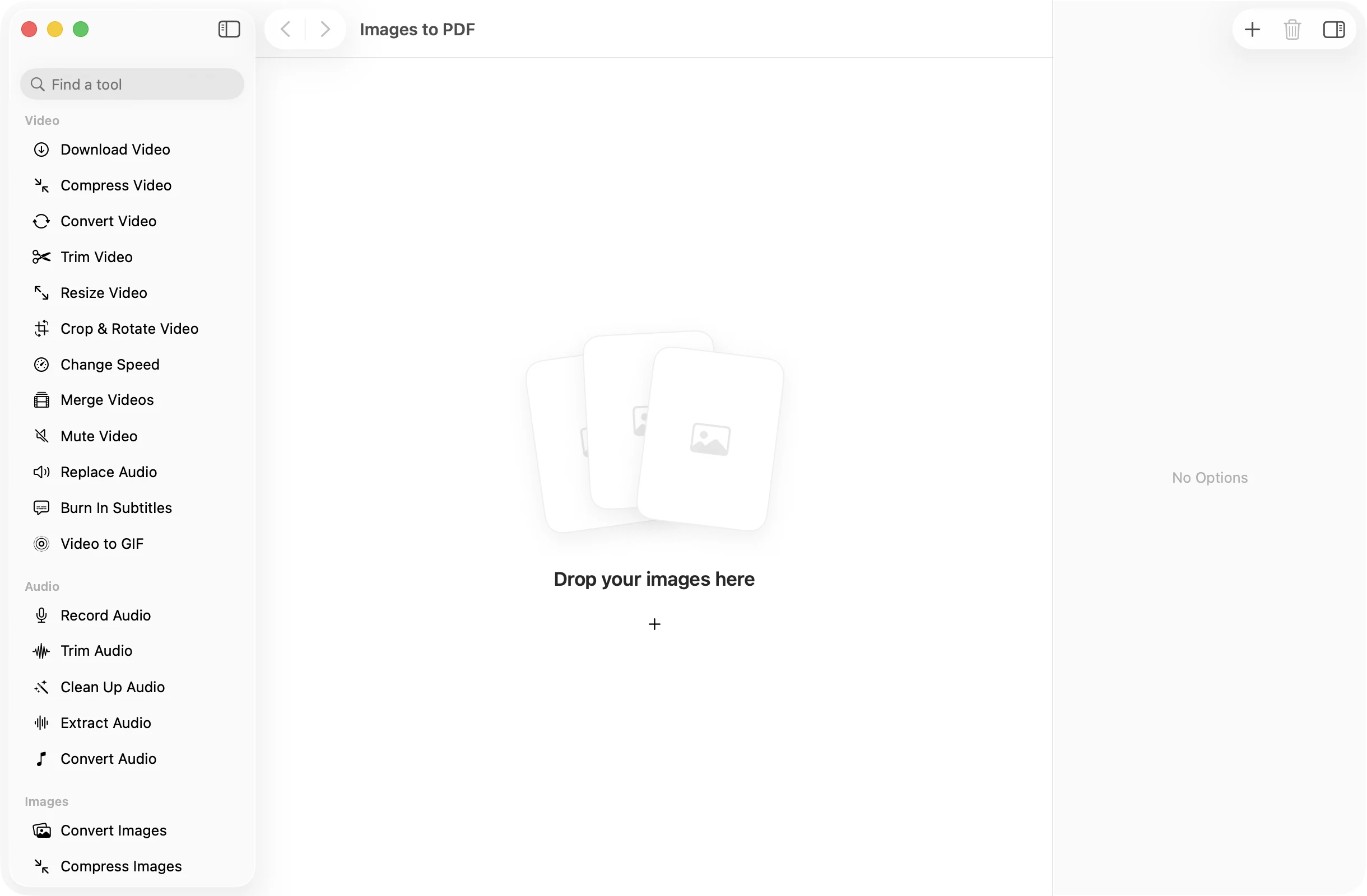
Drop your images
Drag in photos, screenshots or a whole folder. HEIC from your iPhone works as well as JPEG and PNG.
- 2
Put them in order
Drag the cards into the order the pages should follow, or right-click and choose Move Earlier or Move Later.
- 3
Press Create PDF
One PDF lands in a dated OneMacApp folder in Downloads, with every image on its own page.
The details
Everything you’d want.Nothing you wouldn’t.
One page per image
Each picture becomes a page, in the order you set, so a stack of receipts turns into one tidy document.
Upright every time
Photos are read with their orientation applied, so pictures taken with a turned phone come out the right way up.
Folders welcome
Drop a folder and the images inside are added in name order, ready to rearrange if you need to.
Private by design
The PDF is built on your Mac. Your photos and scans are never uploaded.
Images to PDF
- Opens
- JPEG, PNG, HEIC, TIFF and other common image formats
- Saves as
- One PDF
- Pages
- One per image, in your order
- Order
- Drag to rearrange
- Originals
- Never changed
FAQ
Questions,answered.
Open Images to PDF, drop in your photos, drag them into order and press Create PDF. You get one PDF with each photo on its own page.
Yes. HEIC images work the same as JPEG and PNG, with no separate conversion step.
Yes. Drag the image cards around before you press Create PDF. The pages follow the order of the cards.
Yes. Drop in the screenshots, or the folder they are in, and they become pages of a single PDF.
No. The PDF is made on your Mac and nothing is sent anywhere.
More pdf tools
Same app.Plenty more to do.

Images to PDF is one of 39 tools in OneMacApp.
Video, audio, images, PDFs and on-device AI in one native Mac app. Pay once and every tool is yours, including the ones we add next.
Get OneMacApp · $29₹1,499One-time purchase · macOS 26 or later