Change video speedwithout the chipmunk voice.
Speed up a long tutorial, slow down a jump or a pour, or change just one stretch of a clip. The sound keeps its pitch, so voices still sound like people.
One-time purchase · macOS 26 or later · Works offline
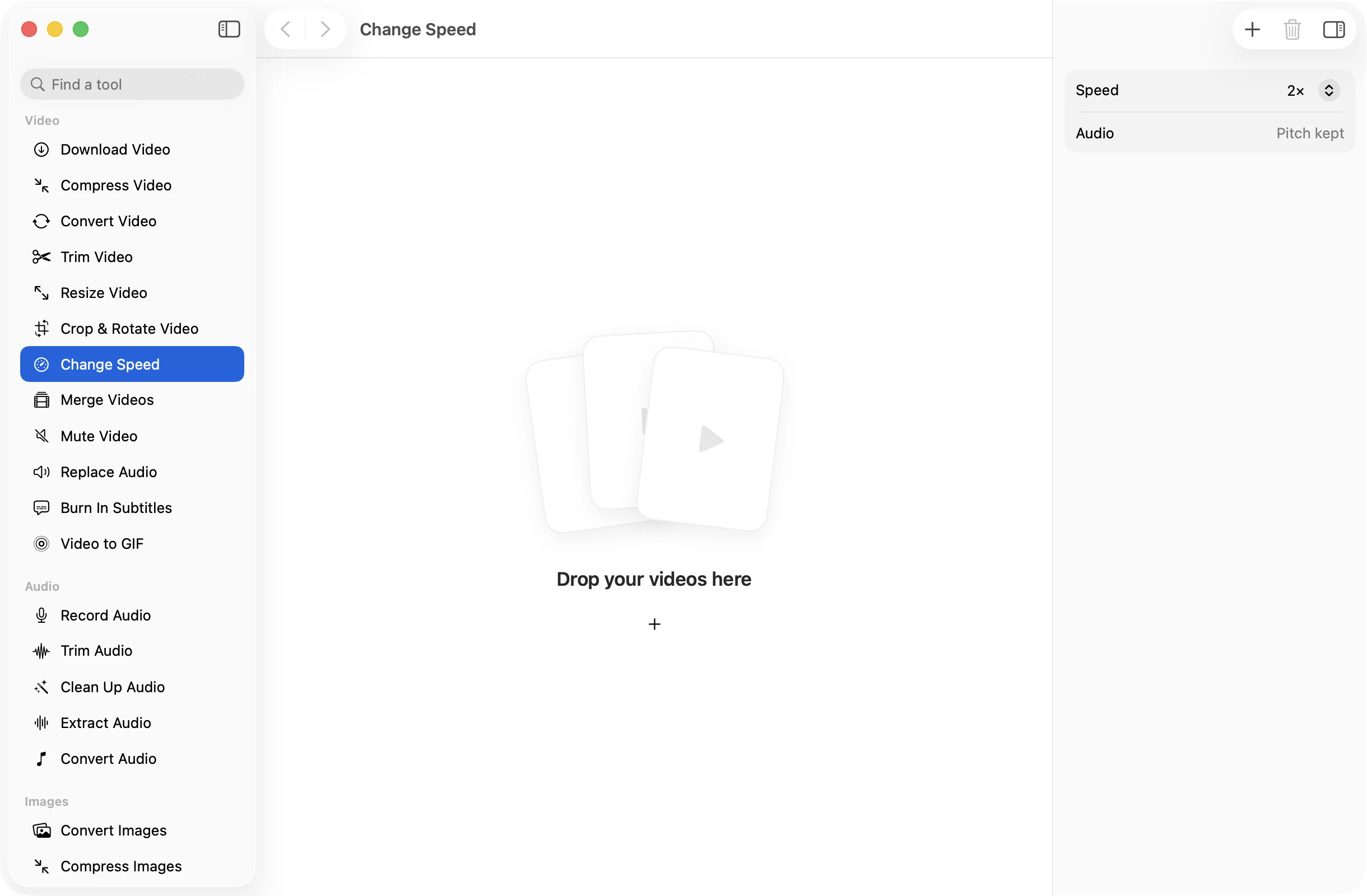
How it works
Three steps.Nothing to learn.
- 1
Open your video
Drop a clip and it opens on a timeline. Drop several and one speed applies to all of them.
- 2
Pick a speed
Choose anything from 0.25× to 8× for the selected clip. Split the video first to change only one part, or apply the speed to every clip.
- 3
Press Change Speed
The new MP4 lands in a dated OneMacApp folder in Downloads. The original plays at its old speed as before.
The details
Everything you’d want.Nothing you wouldn’t.
Pitch stays natural
Sound is sped up or slowed down with its pitch kept, so a 2× lecture is quick but not squeaky.
Just one part
Split the timeline and give each clip its own speed, for a slow motion moment inside an otherwise normal video.
A wide range
From 0.25× for real slow motion to 8× for a timelapse feel, with the common steps in between.
Batch friendly
Drop a set of recordings, pick a speed between 0.5× and 4×, and they are all done in one go on your Mac.
Change Speed
- Opens
- MOV, MP4, M4V, MKV, WebM, AVI, MTS
- Saves as
- MP4 (H.264, AAC)
- One video
- 0.25× to 8×, per clip
- Several videos
- 0.5×, 0.75×, 1.25×, 1.5×, 2×, 3× or 4×
- Audio
- Pitch kept
- Needs
- FFmpeg, installed for you in one click
FAQ
Questions,answered.
Drop it into Change Speed, pick 1.5× or 2× and press Change Speed. You get a shorter MP4 and the original is untouched.
Pick 0.5× or 0.25×. For the smoothest result, start with footage filmed at a high frame rate, such as an iPhone slo-mo clip.
No. The audio is stretched or squeezed with its pitch kept, so people sound like themselves, just faster or slower.
Yes. With one video open, split the timeline where the part starts and ends, select that clip and give it its own speed. The rest stays at normal speed.
More video tools
Same app.Plenty more to do.

Change Speed is one of 39 tools in OneMacApp.
Video, audio, images, PDFs and on-device AI in one native Mac app. Pay once and every tool is yours, including the ones we add next.
Get OneMacApp · $29₹1,499One-time purchase · macOS 26 or later