Trim videodown to the part that matters.
Open a clip, drag its edges to where it should start and end, and save. Need to cut something out of the middle? Split it at the playhead and delete the piece.
One-time purchase · macOS 26 or later · Works offline
How it works
Three steps.Nothing to learn.
- 1
Open your video
Drop a clip and it opens on a timeline you can play and scrub. MOV, MP4, M4V, MKV, WebM, AVI and MTS all work.
- 2
Cut it down
Drag the edges of the clip to trim the start and end. To lose a part in the middle, split at the playhead and delete the clip you don’t want.
- 3
Press Trim
What’s left plays back to back as one MP4, saved in a dated OneMacApp folder in Downloads. The original stays whole.
The details
Everything you’d want.Nothing you wouldn’t.
Cut from the middle too
Split the video into clips and delete any of them. The pieces you keep are joined into one video in order.
Same cut, many files
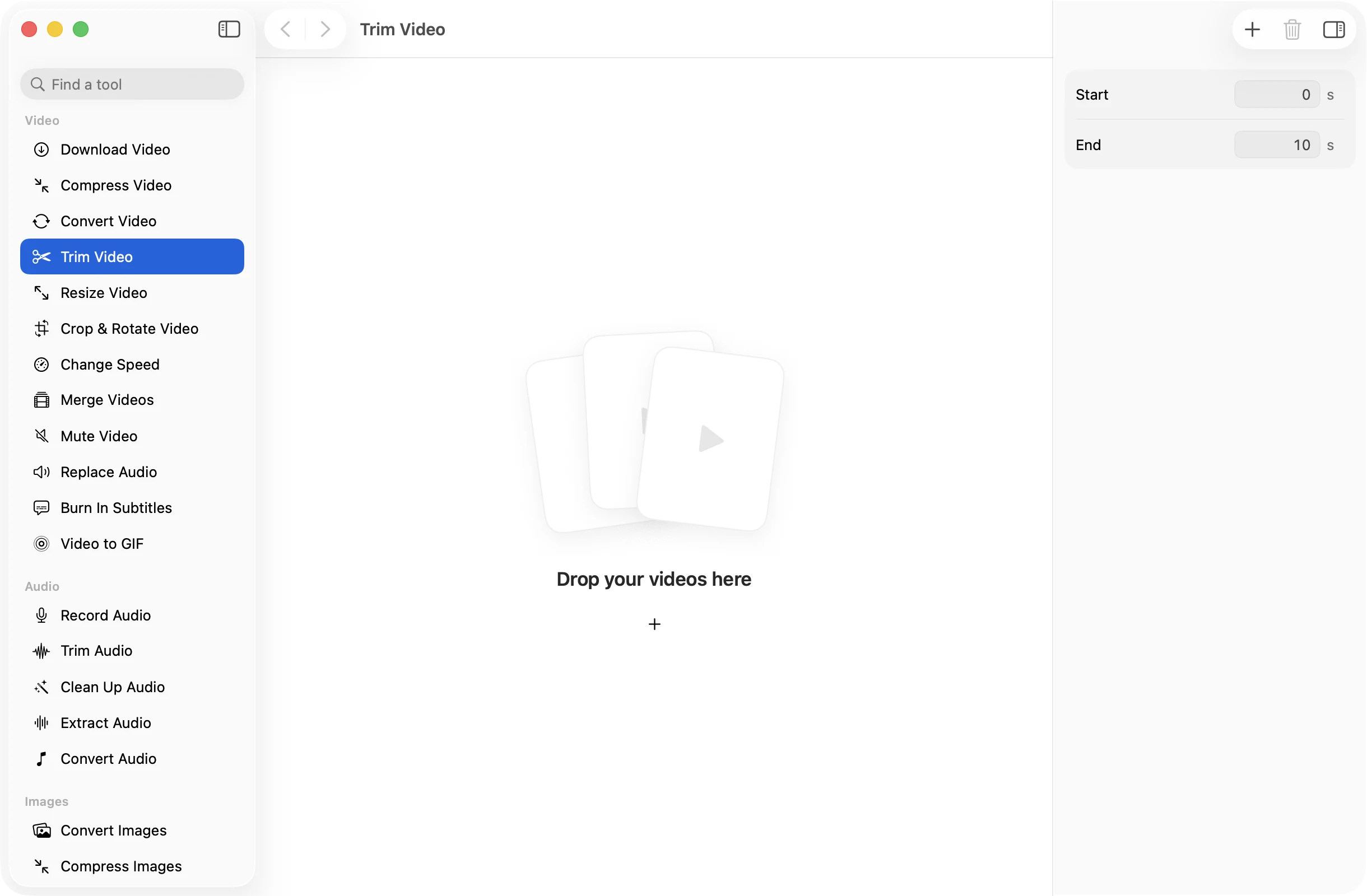
Drop several videos and set a start and end time in seconds instead. Every file is trimmed to the same range.
Cuts where you put them
The video is re-encoded rather than cut on the nearest keyframe, so it starts and stops at the moment you chose.
Private and unlimited
Everything runs on your Mac with FFmpeg. Long recordings are fine, and nothing ever leaves your computer.
Trim Video
- Opens
- MOV, MP4, M4V, MKV, WebM, AVI, MTS
- Saves as
- MP4 (H.264, AAC)
- One video
- Timeline with trim, split and delete
- Several videos
- Start and end time in seconds
- Originals
- Never changed
- Needs
- FFmpeg, installed for you in one click
FAQ
Questions,answered.
Drop the video into Trim Video, drag the right edge of the clip back to where it should stop, and press Trim. You get a new MP4 and the original is left alone.
Yes. Move the playhead to where the unwanted part starts and split, do the same where it ends, then select the piece in between and delete it. The rest is joined into one video.
Yes. When you drop more than one video, Trim Video shows Start and End fields in seconds and applies the same range to each file.
The trimmed video is re-encoded to H.264 at a good quality, which is what lets it cut at the exact moment you chose. For everyday footage the difference is hard to see.
An MP4 with H.264 video and AAC audio, which plays on any phone, browser or editor.
More video tools
Same app.Plenty more to do.

Trim Video is one of 39 tools in OneMacApp.
Video, audio, images, PDFs and on-device AI in one native Mac app. Pay once and every tool is yours, including the ones we add next.
Get OneMacApp · $29₹1,499One-time purchase · macOS 26 or later