Replace the audioand leave the picture alone.
Choose a new soundtrack and it takes the place of the old one. The video itself is copied, not re-encoded, so it looks exactly as it did.
One-time purchase · macOS 26 or later · Works offline
How it works
Three steps.Nothing to learn.
- 1
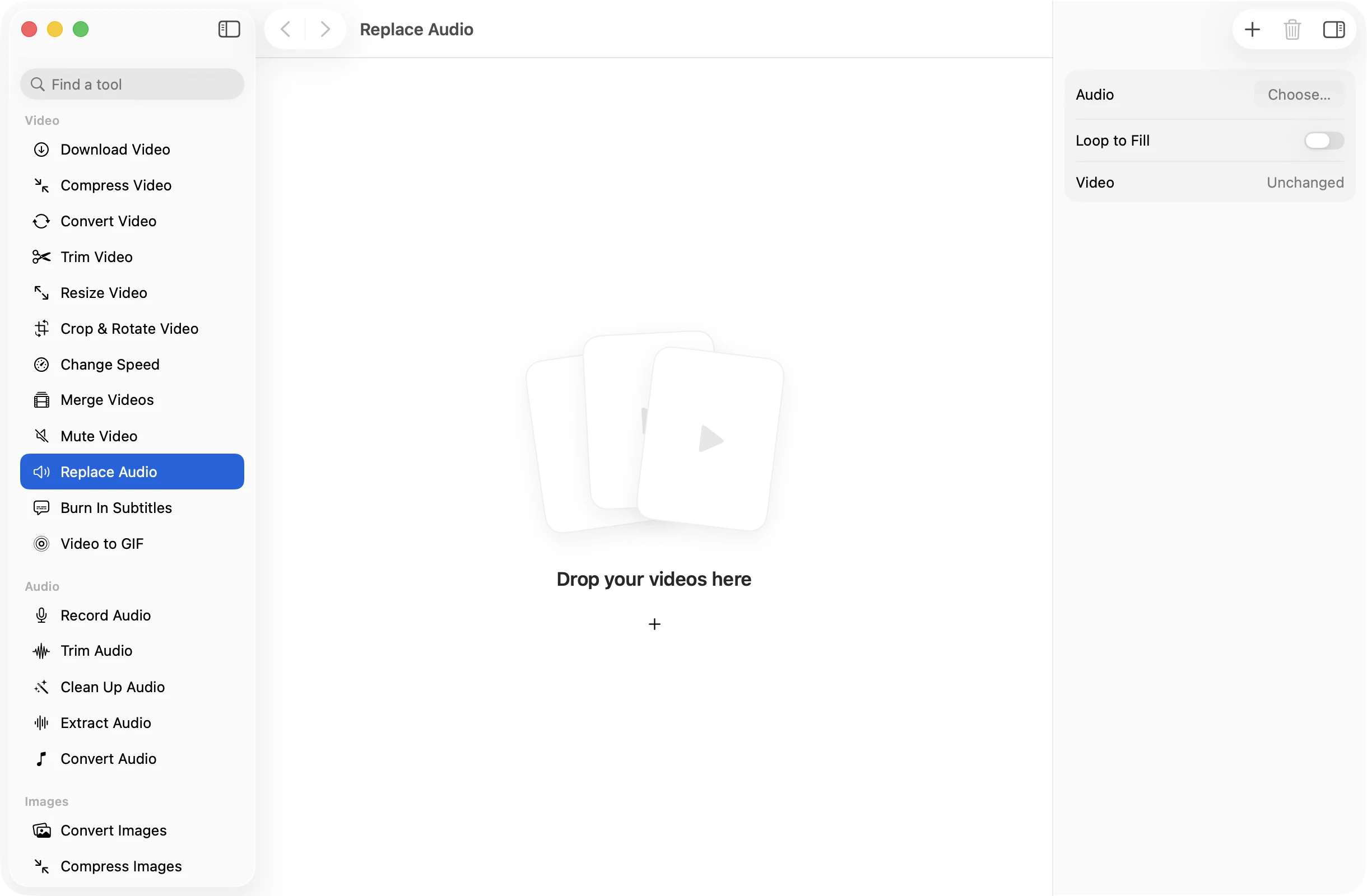
Drop your videos
Add the video you want new sound on, or a batch that should all share one track.
- 2
Choose the audio
Pick a song, a voiceover or the sound from another video, or drop it onto the canvas. Turn on Loop to Fill if it is shorter than the video.
- 3
Press Replace Audio
The result is saved in a dated OneMacApp folder in Downloads. The original video keeps its old sound.
The details
Everything you’d want.Nothing you wouldn’t.
No loss in picture
The video stream is copied untouched, so there is no re-encoding, no softening and the job is quick.
Fits the length
The result always ends with the video. Shorter audio loops with Loop to Fill, or the rest stays silent if you leave it off.
Details carried over
The original video’s metadata, such as when it was recorded, is copied into the new file, and a MOV stays a MOV.
Audio from anywhere
Use an audio file or another video as the source. Its sound is saved as AAC at 192 kbps.
Replace Audio
- Opens
- MOV, MP4, M4V, MKV, WebM, AVI, MTS
- New audio from
- Any audio file or video
- Saves as
- MOV stays MOV, others become MP4
- Video
- Copied unchanged
- Audio
- AAC 192 kbps, looped or padded to fit
- Needs
- FFmpeg, installed for you in one click
FAQ
Questions,answered.
Drop the video into Replace Audio, choose the music file, and press Replace Audio. The music replaces the original sound for the length of the video.
Turn on Loop to Fill and it repeats until the video ends. Leave it off and the video carries on in silence after the song finishes.
It is cut off where the video ends, so the length of the video never changes.
No. The picture is copied as it is, without re-encoding. Only the sound is new.
No. Replace Audio swaps the sound completely. The original audio is not kept in the new file.
More video tools
Same app.Plenty more to do.

Replace Audio is one of 39 tools in OneMacApp.
Video, audio, images, PDFs and on-device AI in one native Mac app. Pay once and every tool is yours, including the ones we add next.
Get OneMacApp · $29₹1,499One-time purchase · macOS 26 or later